PulseAugur
中
实时 19:33:42
English(EN) How to upgrade the graphics card in your PC

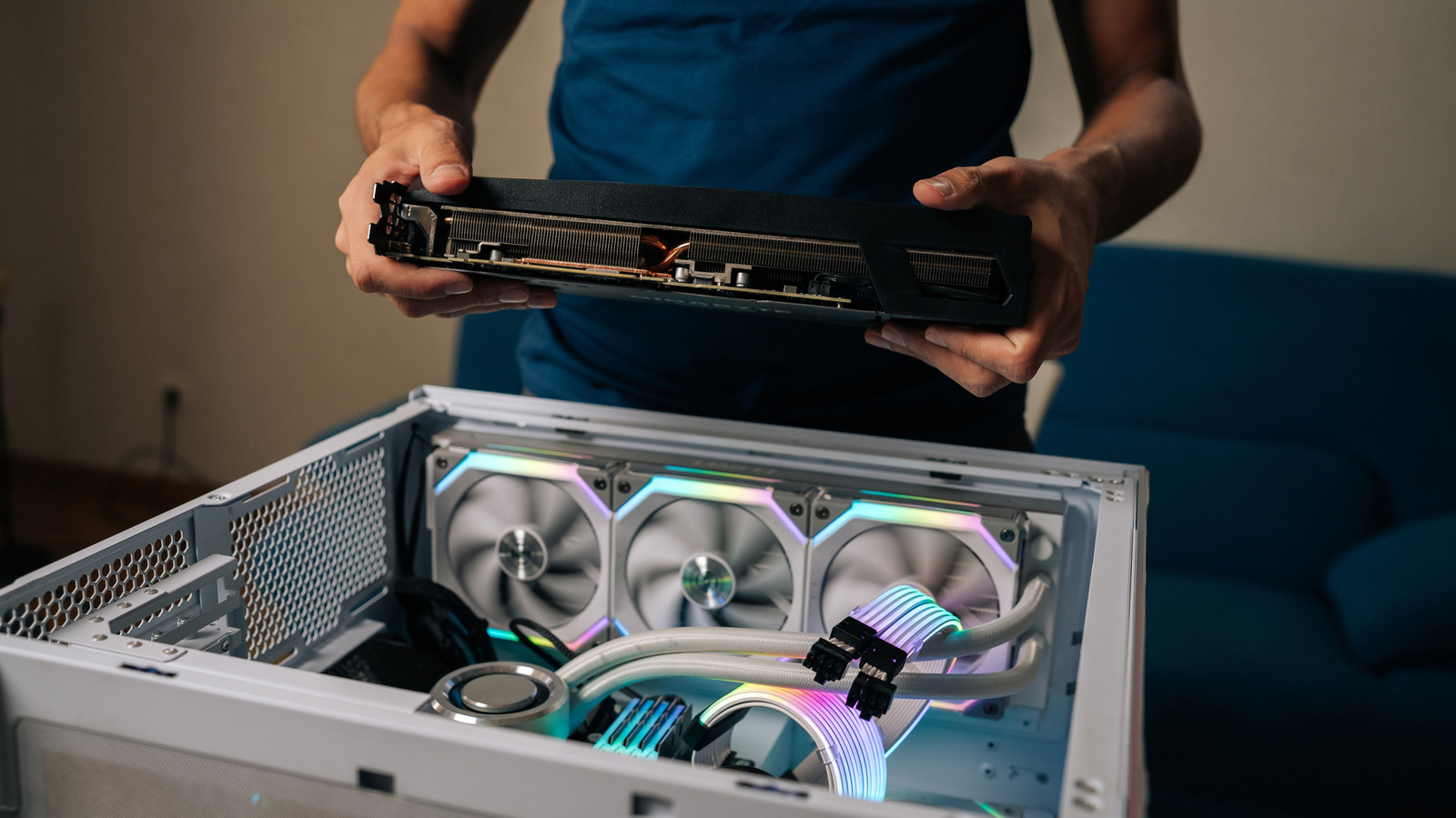
指南详述PC显卡升级流程及兼容性检查

升级个人电脑中的显卡涉及几个关键考虑因素,以确保最佳性能和兼容性。用户应首先评估现有硬件,包括电源单元、电脑机箱和中央处理器,以避免潜在的瓶颈或电源问题。物理安装过程相对简单,包括移除旧卡并将其插入主板的PCI Express插槽,然后连接电源线并安装显卡制造商提供的最新驱动程序。 AI

排序理由 文章提供了常见的硬件升级操作指南。

在 Engadget 阅读 →

AI 生成摘要 · Google Gemini · 来自 1 个来源。 我们如何撰写摘要 →
指南详述PC显卡升级流程及兼容性检查

本文如何被排名

Signal score
1 / 100
Composite score across the factors below. Higher = stronger signal that this story matters right now.
Newsworthiness bucket
Tool
文章提供了常见的硬件升级操作指南。
Source corroboration
Single-source cluster
Only one publisher covered this so far. Single-source stories can still rank when the publisher is high-authority, but they lack cross-source corroboration.
Topics
product, infra
Editorial topic classification. Feeds into how the story surfaces on /topic/<slug> hub pages and into the per-entity coverage mix.
AI-industry relevance
Low
Off-topic or adjacent — cluster remains reachable but doesn't surface in AI-industry rankings.
Story freshness
Breaking (< 6h)
Fresh story with cross-source coverage still developing. Ranking may shift as more sources report.

完整方法见我们的编辑标准。

报道来源 [1]

  1. Engadget TIER_1 English(EN) · [email protected] (Vincent Arogya) ·

    如何升级你的PC显卡

    Assess your existing hardware to avoid potential bottlenecks.