PulseAugur
实时 04:14:14
English(EN) Building llama.cpp from source on a Dell Precision T5820 with an RTX 3090 Ti (after seven power cycles)

用户详述为本地 LLM 推理升级 RTX 3090 Ti

一位用户详述了升级配备 RTX 3090 TiDell Precision T5820 工作站以用作本地 LLM 推理节点的流程。该指南涵盖了特定的 BIOS 设置、电源配置以及 PCIe 链路训练所需的七次断电重启启动顺序。它还提供了从源代码编译 llama.cpp 软件的说明,以优化 GPU 性能,使其能够以大约每秒 42 个 token 的速度运行具有 262K token 上下文窗口的 Qwen3.6-27B 模型。 AI

影响 为希望设置自己高性能本地 LLM 推理系统的个人提供了详细指南。

排序理由 用户生成的关于本地运行 LLM 的硬件和软件设置指南。

在 dev.to — LLM tag 阅读 →

AI 生成摘要 · Google Gemini · 来自 1 个来源。 我们如何撰写摘要 →
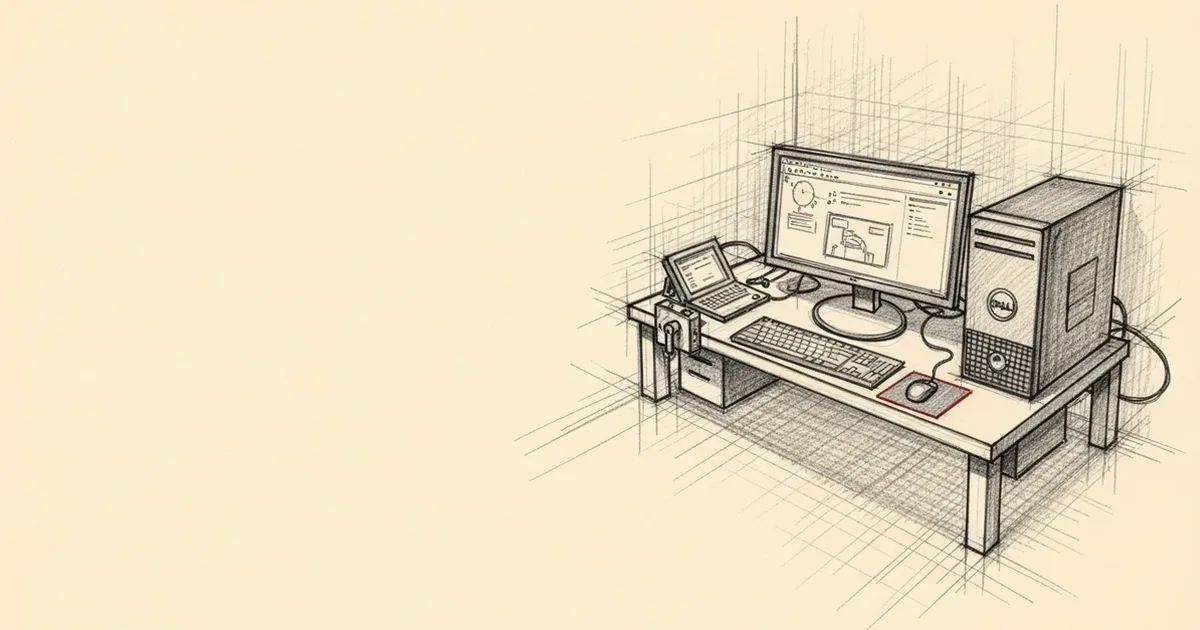
用户详述为本地 LLM 推理升级 RTX 3090 Ti

报道来源 [1]

  1. dev.to — LLM tag TIER_1 English(EN) · Ian L. Paterson ·

    在 RTX 3090 Ti 上使用 Dell Precision T5820 从源码构建 llama.cpp (经过七次断电重启后)

    <p>I pulled a Quadro M4000 out of a used Dell Precision T5820, dropped in an RTX 3090 Ti, and turned the box into a homelab inference node running Qwen3.6-27B at 42 tok/s. Getting there took seven BIOS power cycles before the PCIe link would train. The Dell forum threads and the …