PulseAugur
中
实时 07:31:18
English(EN) Improve your Starlink Wi-Fi speed with this app setting

Starlink Wi-Fi 速度提升:拆分网络设置详解

Starlink 用户可以通过在 Starlink 应用中将网络拆分为独立的 2.4GHz 和 5GHz 频段来潜在地提高其 Wi-Fi 速度。这使得能够使用更快的 5GHz 频段的设备可以专门连接到它,从而减少拥塞和干扰。但是,此配置可能导致范围减小,并且设备跨频段通信可能出现问题,特别是对于智能家居配件。用户应权衡潜在的速度优势与这些缺点,并考虑其特定需求和网络环境。 AI

排序理由 文章提供了优化现有产品性能的技术技巧。

在 Engadget 阅读 →

AI 生成摘要 · Google Gemini · 来自 1 个来源。 我们如何撰写摘要 →
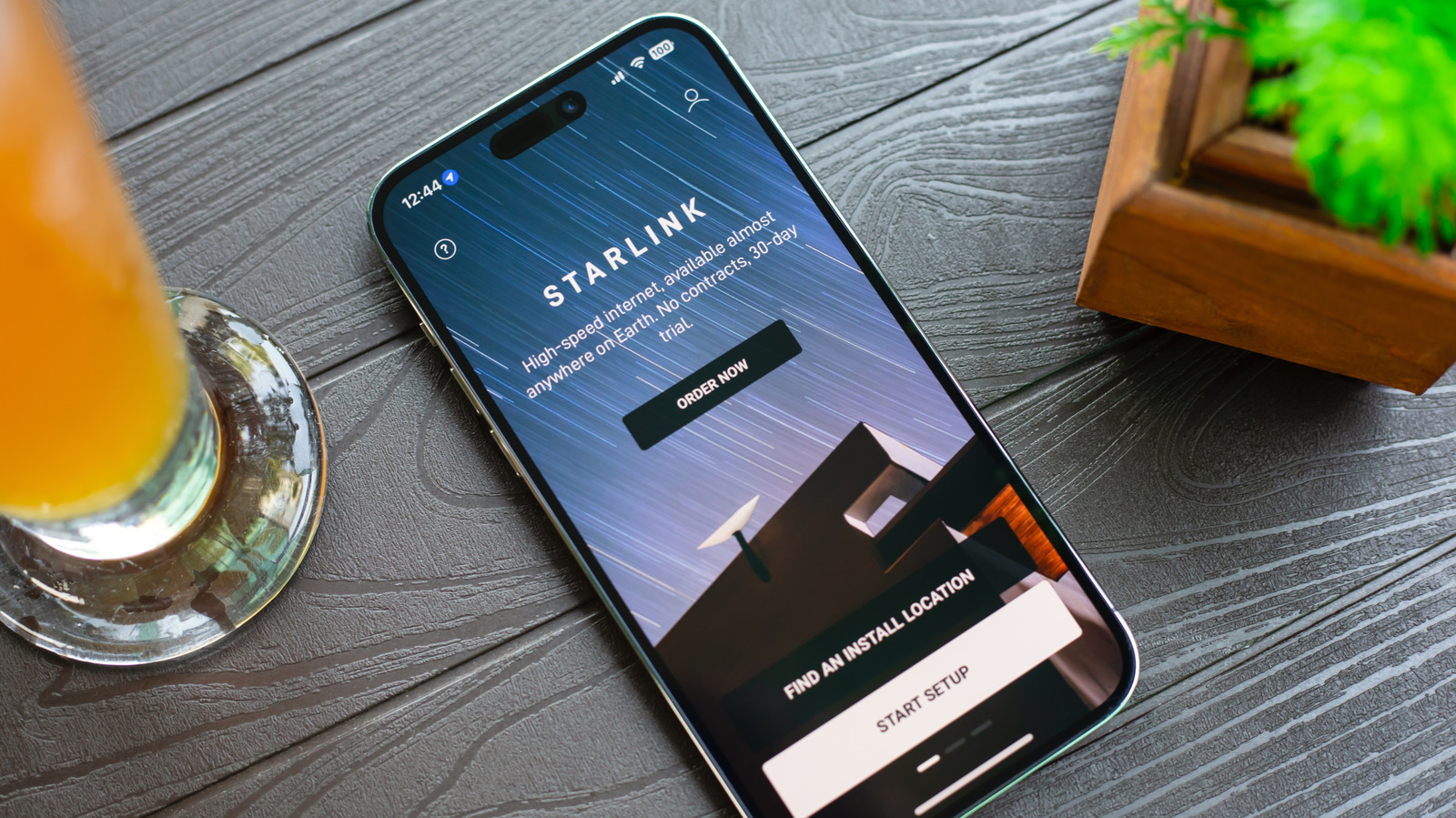
Starlink Wi-Fi 速度提升:拆分网络设置详解

本文如何被排名

Signal score
0 / 100
Composite score across the factors below. Higher = stronger signal that this story matters right now.
Newsworthiness bucket
Tool
文章提供了优化现有产品性能的技术技巧。
Source corroboration
Single-source cluster
Only one publisher covered this so far. Single-source stories can still rank when the publisher is high-authority, but they lack cross-source corroboration.
Topics
product, infra
Editorial topic classification. Feeds into how the story surfaces on /topic/<slug> hub pages and into the per-entity coverage mix.
AI-industry relevance
Low
Off-topic or adjacent — cluster remains reachable but doesn't surface in AI-industry rankings.
Story freshness
1 days old
Coverage has settled into its steady-state source set.

完整方法见我们的编辑标准。

报道来源 [1]

  1. Engadget TIER_1 English(EN) · [email protected] (Roger Fingas) ·

    使用此应用设置提高您的 Starlink Wi-Fi 速度

    See how a single setting in the Starlink app can improve your home internet speed, and figure out whether switching it on makes sense for your setup.