PulseAugur
中
实时 12:22:44
English(EN) Here's how to properly test your USB speed

如何使用诊断工具测试您的USB连接速度

用户可以使用CrystalDiskMark或AmorphousDiskMark等诊断工具分别在Windows和macOS上验证其USB连接速度。这些程序会测试存储驱动器的读/写速度,作为USB端口性能的代理。对于Windows上更直接的评估,USBView工具(可在Windows SDK中找到)可以显示连接设备的实际总线速度,但它使用诸如“SuperSpeed 20”之类的描述性术语,而不是版本号。为了准确测试,使用符合或超过USB端口功能要求的设备和线缆很重要,并且要记住报告的速度通常以字节/秒为单位,需要转换为比特/秒才能与官方USB规范进行比较。 AI

排序理由 该文章提供了说明,并推荐了特定的软件工具供用户测试其USB连接速度。

在 Engadget 阅读 →

AI 生成摘要 · Google Gemini · 来自 1 个来源。 我们如何撰写摘要 →
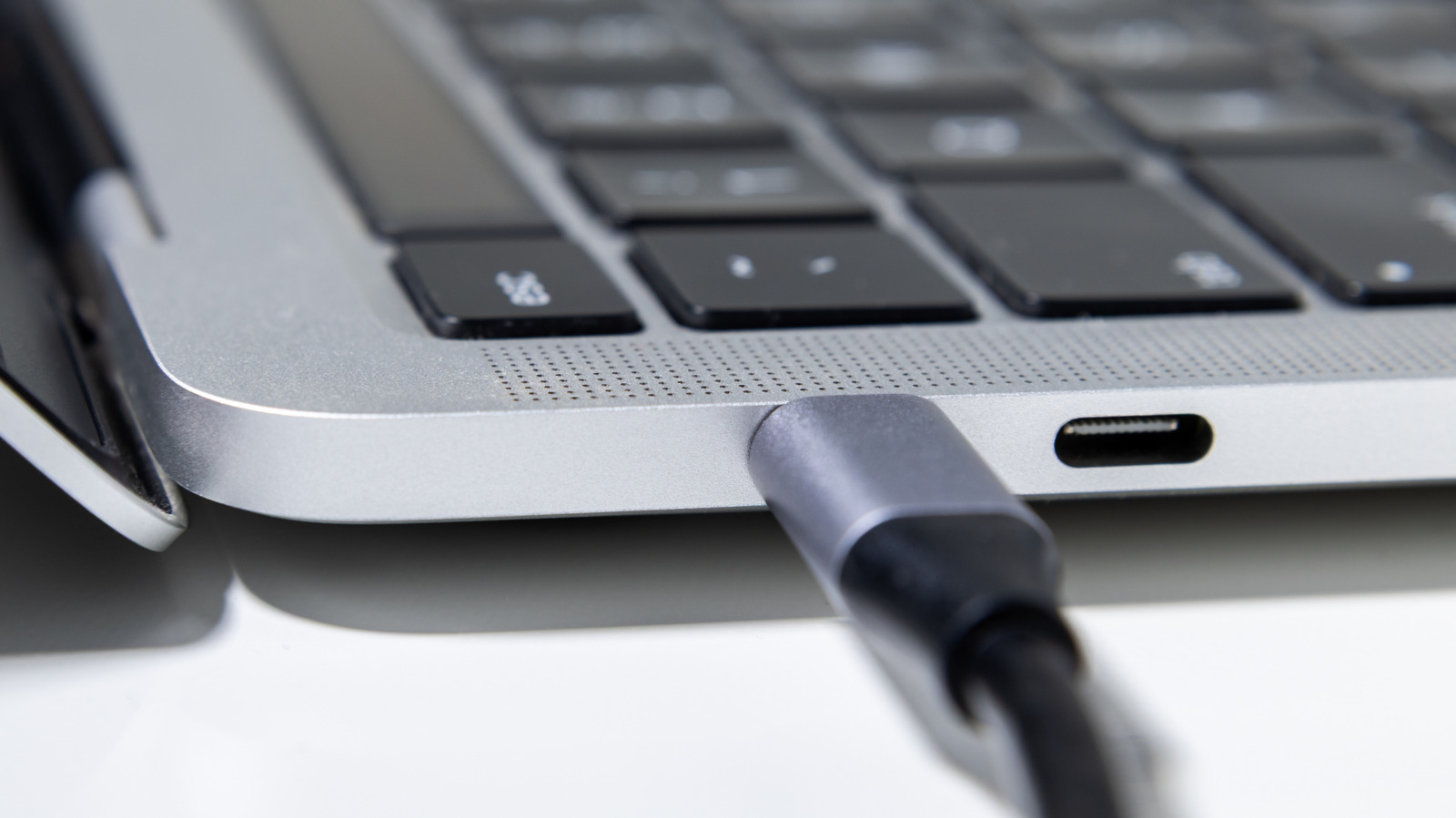
如何使用诊断工具测试您的USB连接速度

本文如何被排名

Signal score
0 / 100
Composite score across the factors below. Higher = stronger signal that this story matters right now.
Newsworthiness bucket
Tool
该文章提供了说明,并推荐了特定的软件工具供用户测试其USB连接速度。
Source corroboration
Single-source cluster
Only one publisher covered this so far. Single-source stories can still rank when the publisher is high-authority, but they lack cross-source corroboration.
Topics
product, other
Editorial topic classification. Feeds into how the story surfaces on /topic/<slug> hub pages and into the per-entity coverage mix.
AI-industry relevance
Low
Off-topic or adjacent — cluster remains reachable but doesn't surface in AI-industry rankings.
Story freshness
3 days old
Aged out of breaking-news scoring windows; ranking reflects the durable signal from the full source set.

完整方法见我们的编辑标准。

报道来源 [1]

  1. Engadget TIER_1 English(EN) · [email protected] (Jules Wang) ·

    如何正确测试你的USB速度

    Your USB ports and devices are all rated for certain speeds, but how do you know everything's performing as it should? It's actually not that hard.