PulseAugur
中
实时 21:57:12
English(EN) How to check if your Android phone is still getting security updates

如何检查您的安卓手机的安全更新状态和生命周期结束日期

用户可以通过检查设备设置中的“安全补丁程序日期”来验证其安卓手机的安全更新状态。虽然这显示了最后收到的更新,但并不表示未来的支持。要确定明确的生命周期结束日期,需要借助外部资源,如 endoflife.date,因为制造商很少直接公布此信息。Google 和 Samsung 最近承诺提供更长的支持窗口,部分机型可获得长达七年的安全和操作系统更新。 AI

排序理由 文章提供了检查设备软件更新状态的说明。

在 Engadget 阅读 →

AI 生成摘要 · Google Gemini · 来自 1 个来源。 我们如何撰写摘要 →
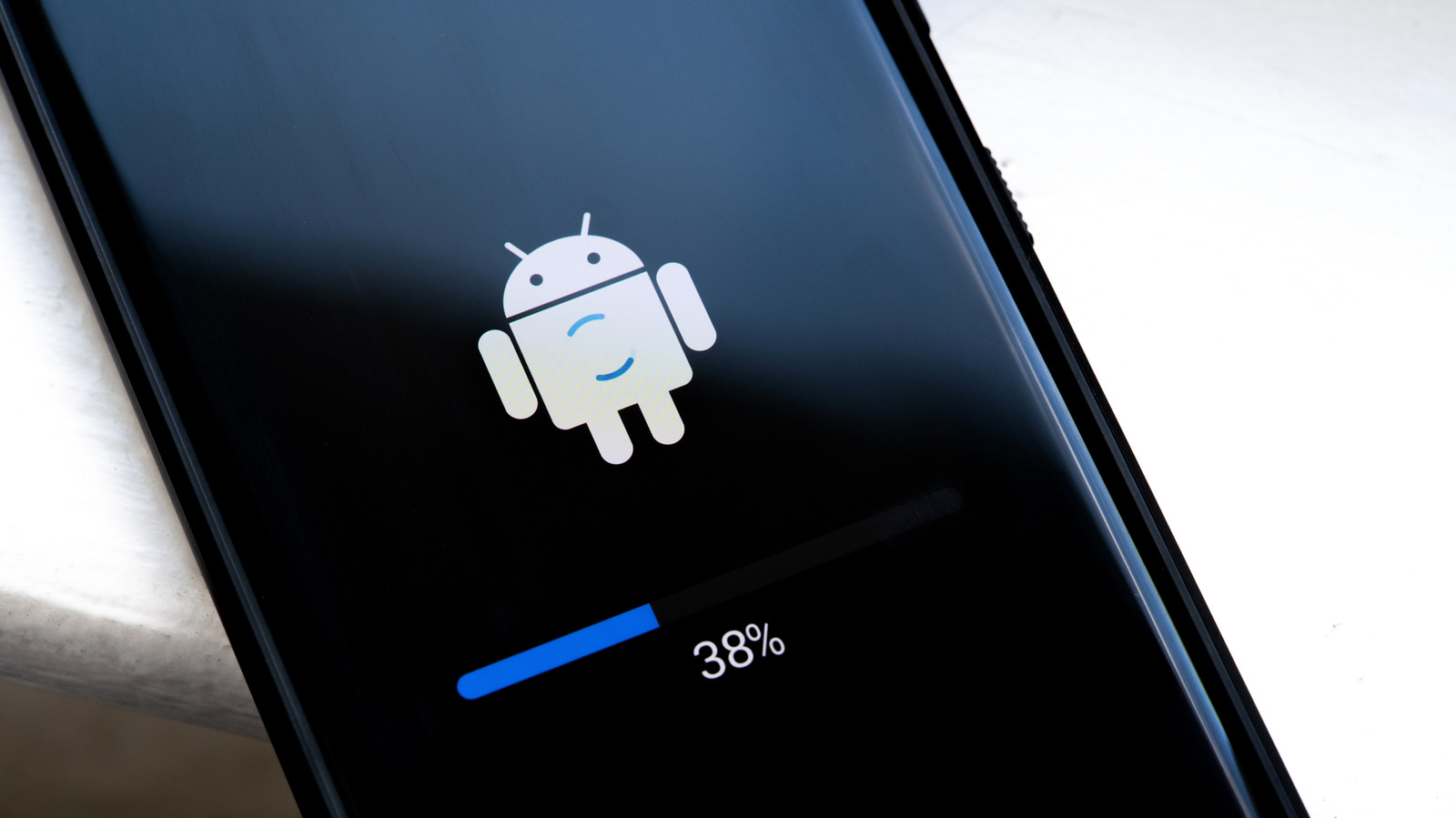
如何检查您的安卓手机的安全更新状态和生命周期结束日期

本文如何被排名

Signal score
1 / 100
Composite score across the factors below. Higher = stronger signal that this story matters right now.
Newsworthiness bucket
Tool
文章提供了检查设备软件更新状态的说明。
Source corroboration
Single-source cluster
Only one publisher covered this so far. Single-source stories can still rank when the publisher is high-authority, but they lack cross-source corroboration.
Topics
product, other
Editorial topic classification. Feeds into how the story surfaces on /topic/<slug> hub pages and into the per-entity coverage mix.
AI-industry relevance
Low
Off-topic or adjacent — cluster remains reachable but doesn't surface in AI-industry rankings.
Story freshness
Breaking (< 6h)
Fresh story with cross-source coverage still developing. Ranking may shift as more sources report.

完整方法见我们的编辑标准。

报道来源 [1]

  1. Engadget TIER_1 English(EN) · [email protected] (Gabriela Vătu) ·

    如何检查您的Android手机是否仍能获得安全更新

    Your Android device will only receive updates for so long, and it might have already left its support period without you realizing.