PulseAugur
中
实时 03:20:35
English(EN) How to improve your laptop's webcam quality

通过灯光和软件调整提升笔记本电脑网络摄像头质量

提高笔记本电脑网络摄像头质量涉及对灯光和软件设置进行简单调整。清洁镜头并确保光源位于用户前方而非后方,可以显著提高图像清晰度。此外,用户还可以在操作系统中微调亮度、饱和度等网络摄像头设置,或利用第三方应用程序和显卡功能进行进一步增强。 AI

排序理由 文章提供了改进现有硬件的实用技巧和软件建议。

在 Engadget 阅读 →

AI 生成摘要 · Google Gemini · 来自 1 个来源。 我们如何撰写摘要 →
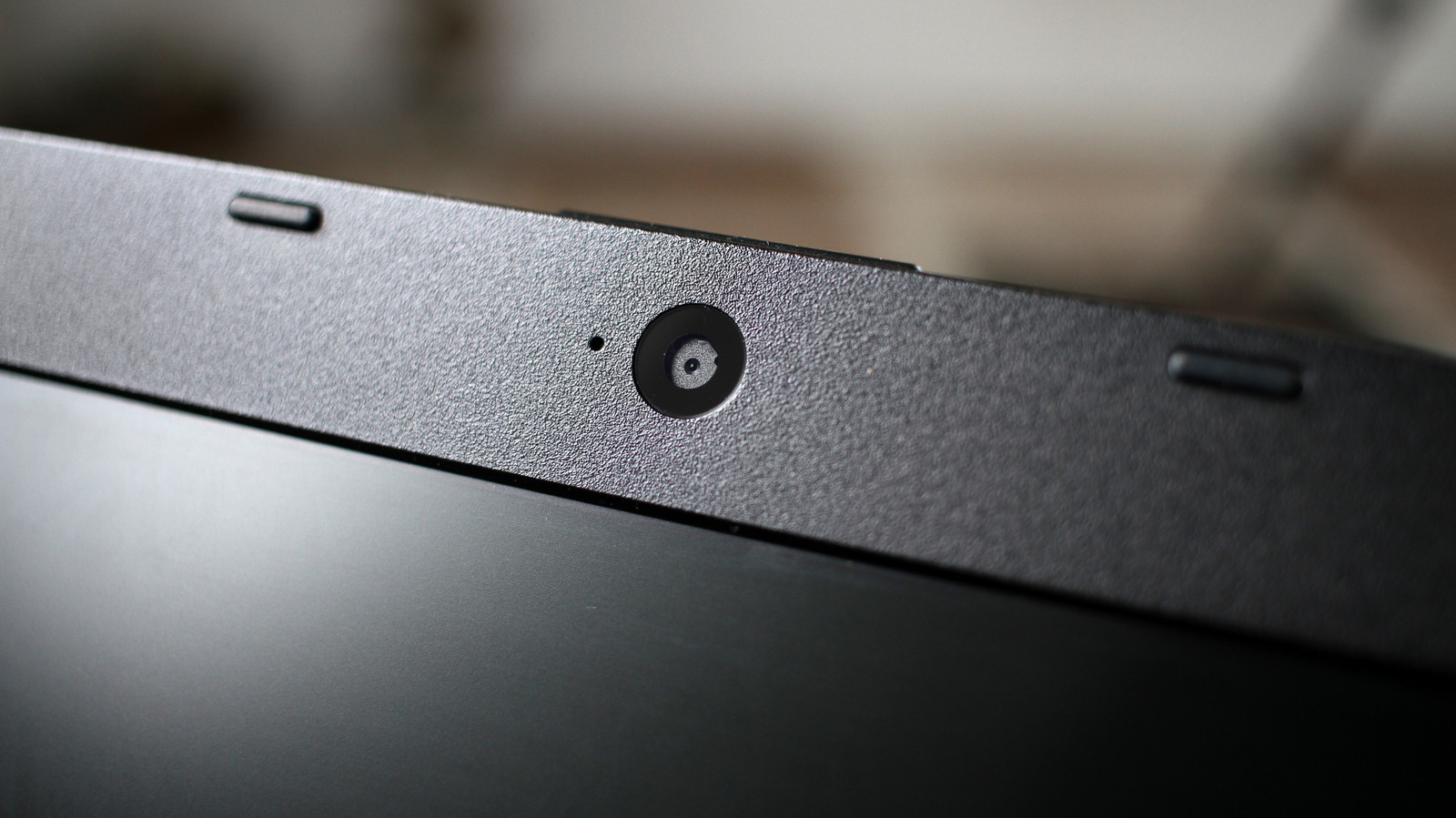
通过灯光和软件调整提升笔记本电脑网络摄像头质量

本文如何被排名

Signal score
1 / 100
Composite score across the factors below. Higher = stronger signal that this story matters right now.
Newsworthiness bucket
Tool
文章提供了改进现有硬件的实用技巧和软件建议。
Source corroboration
Single-source cluster
Only one publisher covered this so far. Single-source stories can still rank when the publisher is high-authority, but they lack cross-source corroboration.
Topics
product, other
Editorial topic classification. Feeds into how the story surfaces on /topic/<slug> hub pages and into the per-entity coverage mix.
AI-industry relevance
Low
Off-topic or adjacent — cluster remains reachable but doesn't surface in AI-industry rankings.
Story freshness
Breaking (< 6h)
Fresh story with cross-source coverage still developing. Ranking may shift as more sources report.

完整方法见我们的编辑标准。

报道来源 [1]

  1. Engadget TIER_1 English(EN) · [email protected] (Filipe Espósito) ·

    如何提高笔记本电脑的网络摄像头质量

    Your laptop's webcam is not usually an impressive piece of hardware, but you can help make up for its shortcomings.