PulseAugur
中
实时 18:17:16
English(EN) How to customize Camera Control on your iPhone

iPhone 16-18系列新增可自定义的相机控制按钮

苹果最新的iPhone型号,包括iPhone 16、17和18系列,都配备了可自定义的“相机控制”按钮。该设备右侧的电容式按钮可以通过单击、双击和滑动等手势进行编程以执行各种操作。用户可以将其配置为启动特定应用程序,如原生相机、Instagram、Code Scanner或Magnifier,并自定义摄影设置,如变焦、曝光和景深。 AI

影响 增强了iPhone上移动摄影和应用程序访问的用户体验和效率。

排序理由 文章描述了现有产品的新功能/自定义选项。

在 Engadget 阅读 →

AI 生成摘要 · Google Gemini · 来自 1 个来源。 我们如何撰写摘要 →
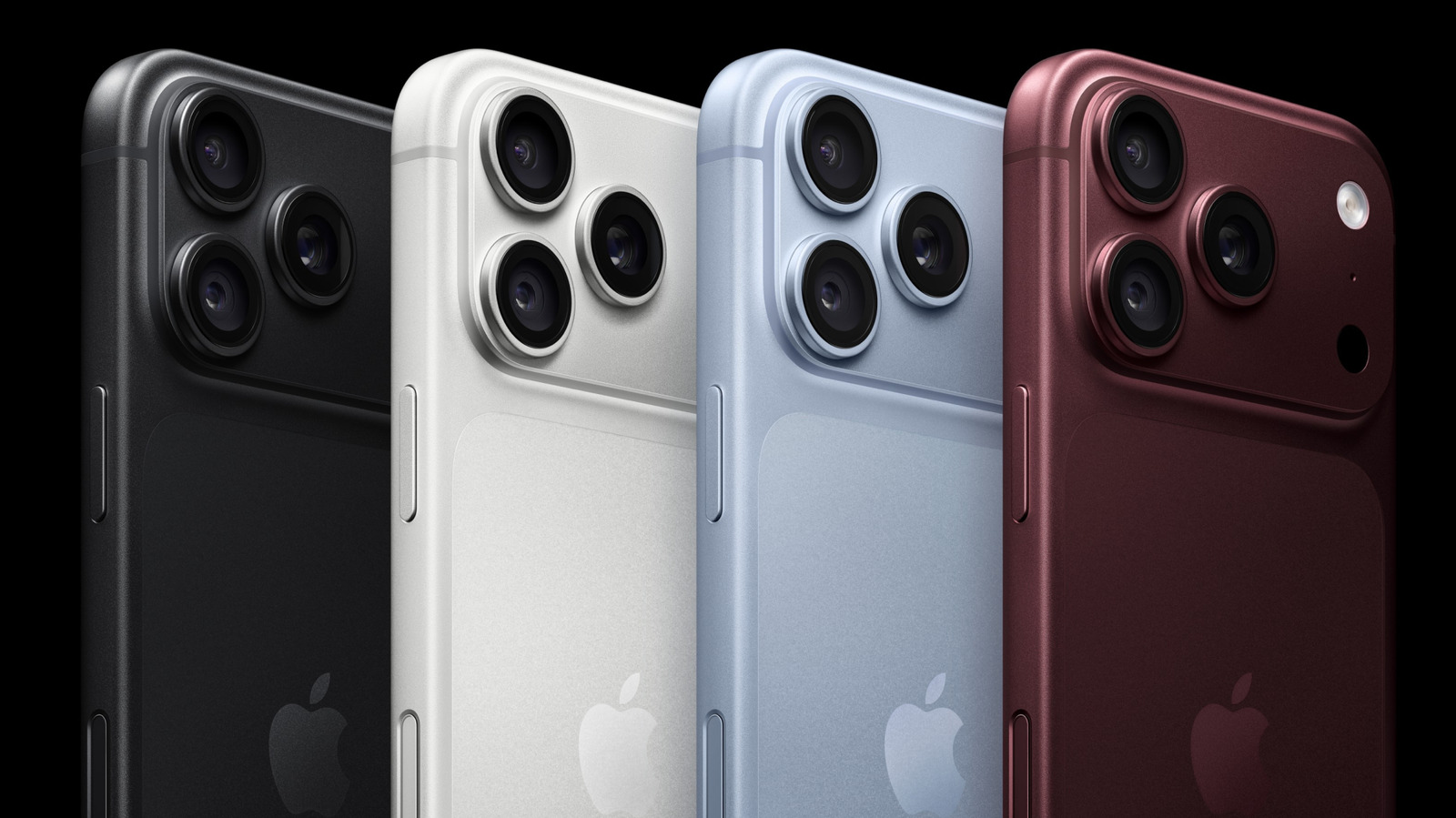
iPhone 16-18系列新增可自定义的相机控制按钮

本文如何被排名

Signal score
3 / 100
Composite score across the factors below. Higher = stronger signal that this story matters right now.
Newsworthiness bucket
Tool
文章描述了现有产品的新功能/自定义选项。
Source corroboration
Single-source cluster
Only one publisher covered this so far. Single-source stories can still rank when the publisher is high-authority, but they lack cross-source corroboration.
Topics
product
Editorial topic classification. Feeds into how the story surfaces on /topic/<slug> hub pages and into the per-entity coverage mix.
AI-industry relevance
Low
Off-topic or adjacent — cluster remains reachable but doesn't surface in AI-industry rankings.
Story freshness
Breaking (< 6h)
Fresh story with cross-source coverage still developing. Ranking may shift as more sources report.

完整方法见我们的编辑标准。

报道来源 [1]

  1. Engadget TIER_1 English(EN) · [email protected] (Jonny Evans) ·

    如何自定义 iPhone 上的相机控制

    Take a closer look at the iPhone's Camera Control feature and why tweaking it can change the way you shoot, even if you've never touched it before.