PulseAugur
实时 14:43:41
English(EN) How to Use Claude Code in VS Code: The Complete Setup I Use Every Day

如何在 VS Code 中设置 Claude Code

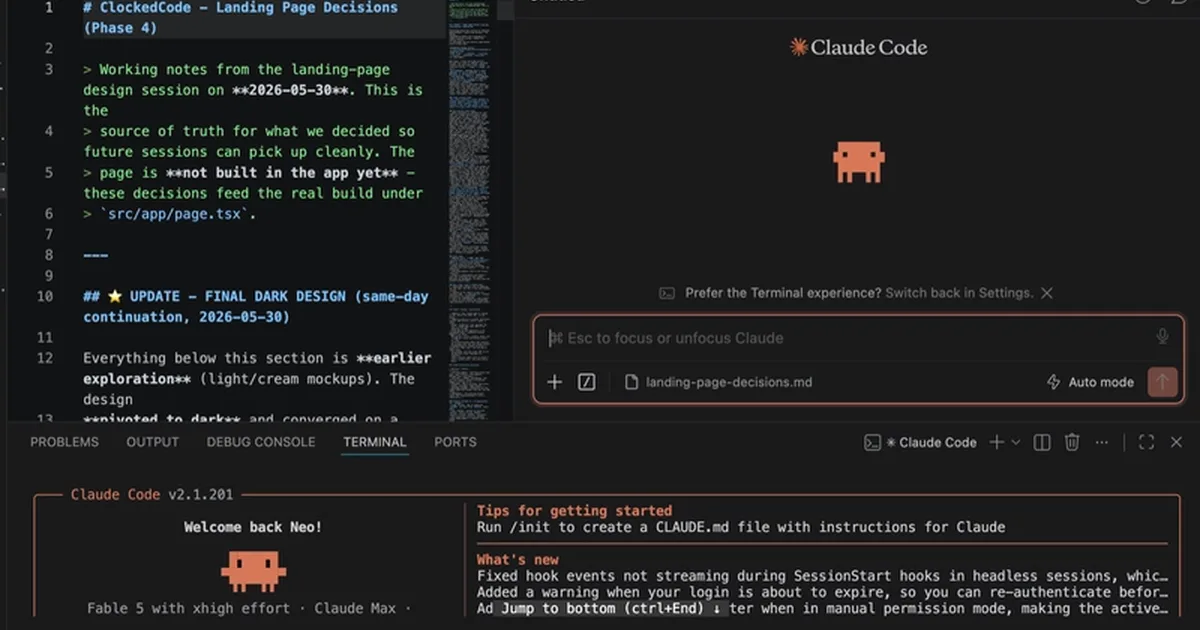
一篇指南详细介绍了如何在 Visual Studio Code 中设置和使用 Claude Code,提供了两种方法:官方的 Anthropic 扩展和命令行界面 (CLI) 工具。作者建议同时使用这两种方法以获得全面的体验,扩展提供了图形界面,而 CLI 提供了完整的命令访问。先决条件包括 VS Code 1.98.0 或更高版本,付费的 Claude 账户(Pro、Max、Team、Enterprise 或 Console 积分),以及可选的 Node.js(用于 npm 安装方式)。 AI

影响 使开发人员能够将 AI 编码助手直接集成到他们的工作流程中,从而可能加快开发周期。

排序理由 文章描述了如何在现有的软件环境 (VS Code) 中使用特定的工具 (Claude Code)。

在 dev.to — Claude Code tag 阅读 →

AI 生成摘要 · Google Gemini · 来自 1 个来源。 我们如何撰写摘要 →

如何在 VS Code 中设置 Claude Code

报道来源 [1]

  1. dev.to — Claude Code tag TIER_1 English(EN) · Neo Zino ·

    How to Use Claude Code in VS Code: The Complete Setup I Use Every Day

    <p><em>Originally published on <a href="https://clockedcode.com/blog/how-to-use-claude-code-in-vs-code" rel="noopener noreferrer">ClockedCode</a> - my blog about getting the most out of Claude Code.</em></p> <p>There are two ways to use Claude Code in VS Code: the official extens…