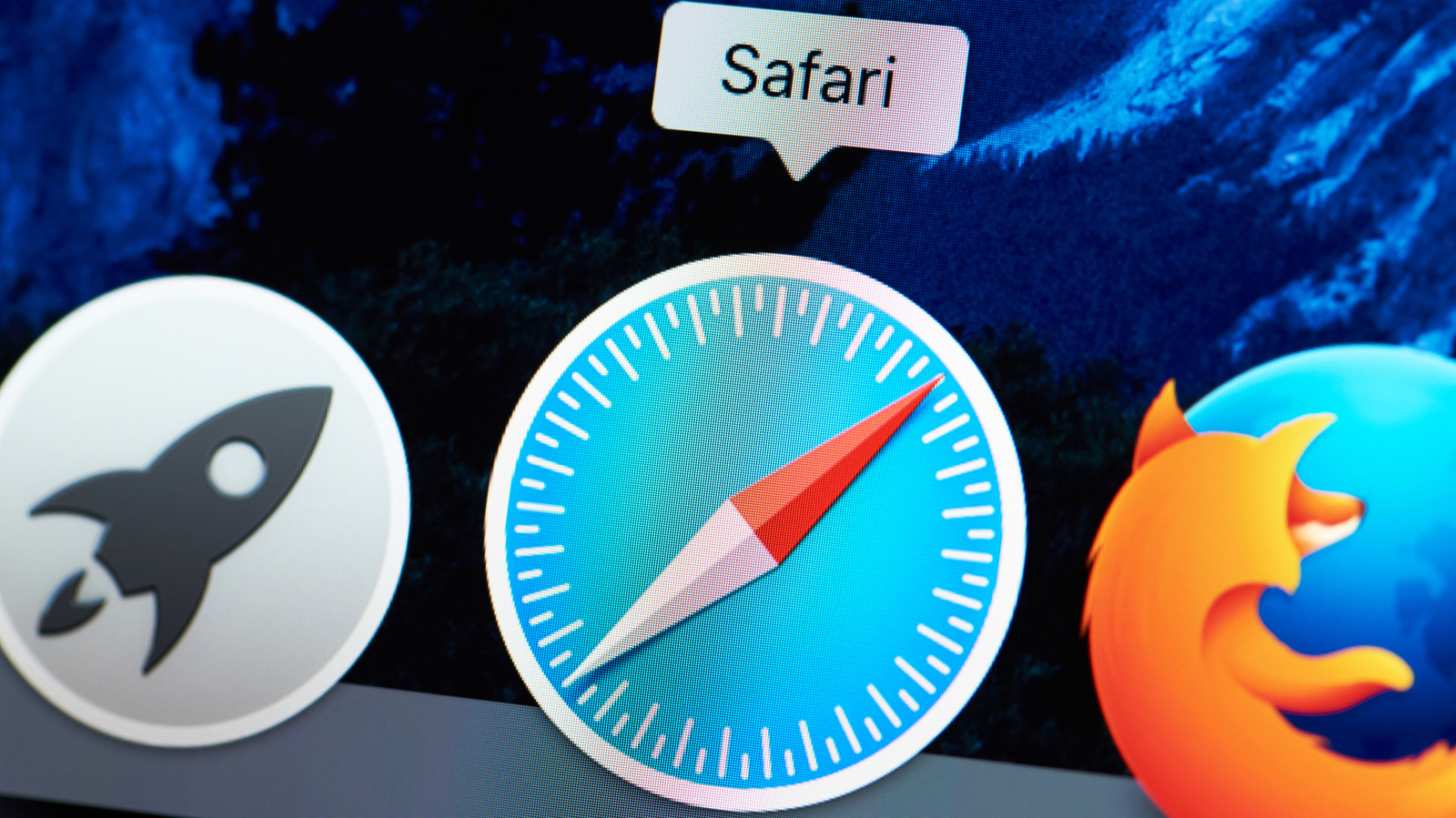
Users can change the default web browser on their Mac through System Settings, selecting from installed applications like Google Chrome, Firefox, or MS Edge, in addition to the default Safari. This setting ensures that web links opened from applications consistently use the user's preferred browser. If the Mac fails to retain the chosen default browser, troubleshooting steps include restarting the Mac, booting into safe mode, or running Disk Utility's First Aid to repair potential disk errors. AI
RANK_REASON Article provides instructions on how to change a setting within an operating system.
AI-generated summary · Google Gemini · from 1 sources. How we write summaries →