PulseAugur
EN
LIVE 18:31:27

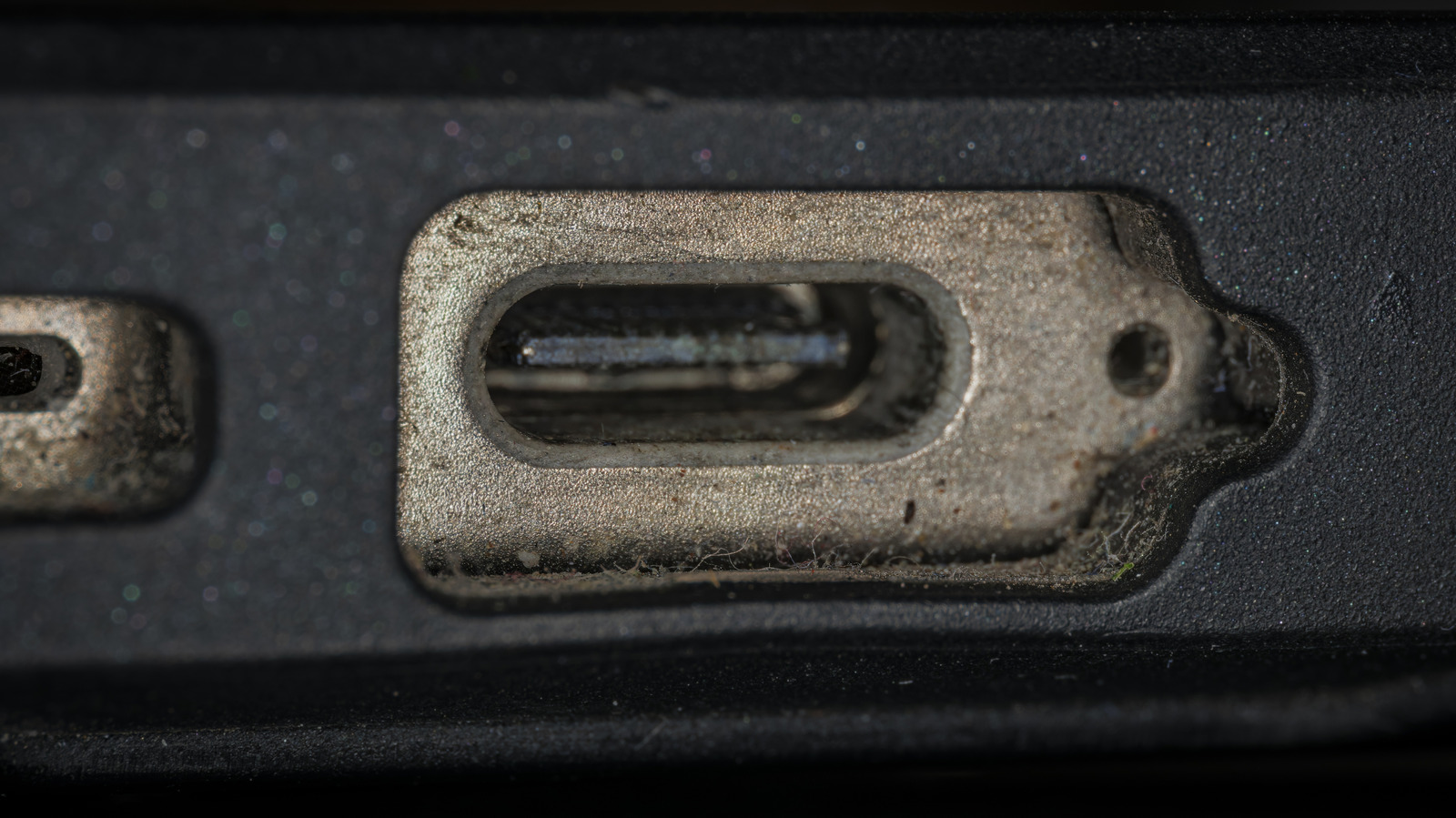
How to identify damaged USB-C ports and troubleshoot issues

Damaged USB-C ports can cause power and data transfer issues, even without visible physical harm. Signs of damage include bent or broken pins, discoloration, and inconsistent performance. Debris, faulty cables, and software problems can also mimic port damage. AI

RANK_REASON Article provides practical advice on troubleshooting a common hardware issue.

Read on Engadget →

AI-generated summary · Google Gemini · from 1 sources. How we write summaries →
How to identify damaged USB-C ports and troubleshoot issues

COVERAGE [1]

  1. Engadget TIER_1 English(EN) · [email protected] (Roger Fingas) ·

    How to tell if a USB-C port is damaged

    Learn how to tell if your USB-C port is damaged, spot common warning signs and rule out cables and debris as the cause of charging and connection issues.