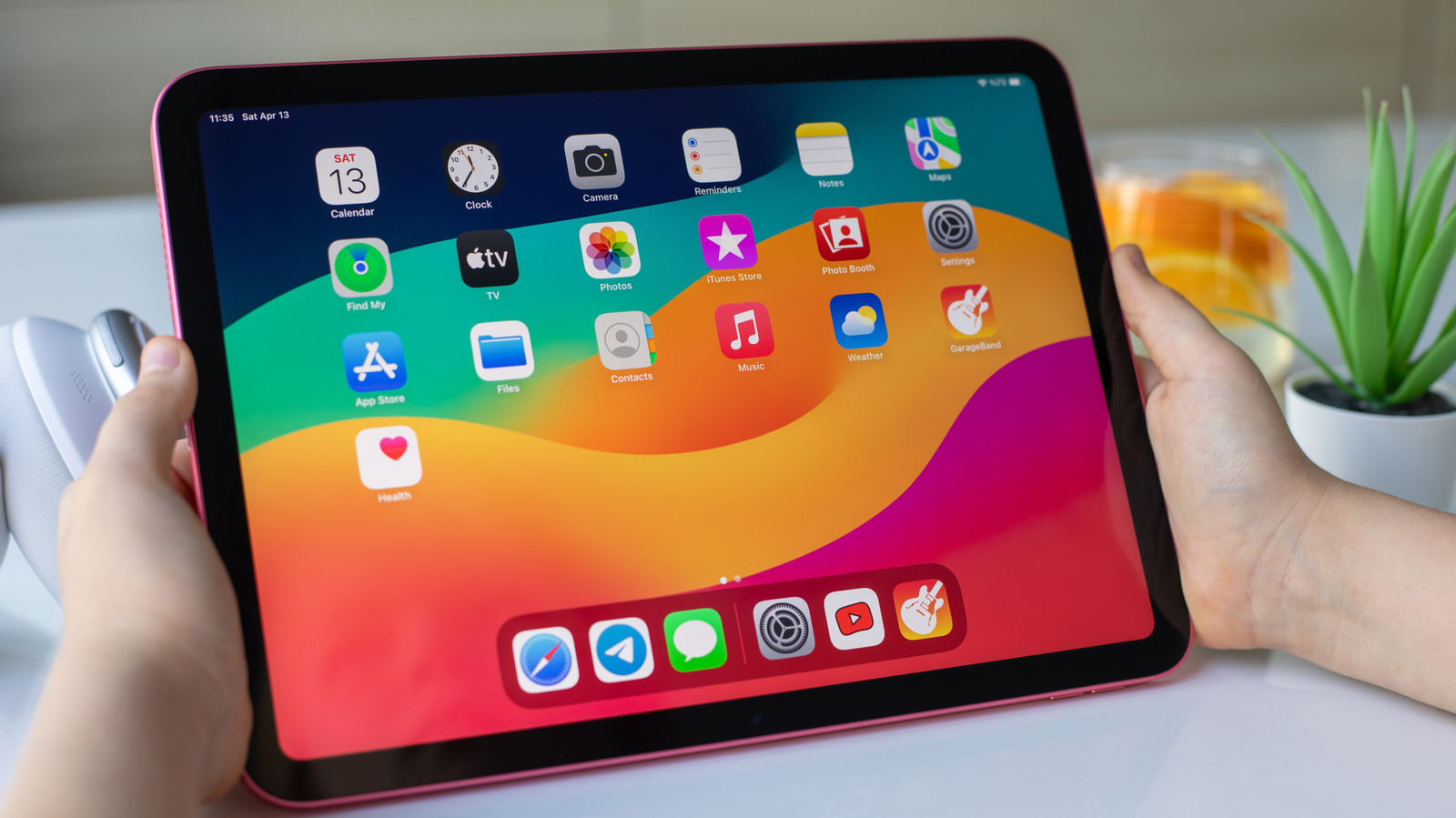
Many tablet users experience muffled audio, which can often be resolved with simple troubleshooting steps. Before considering hardware repairs, users should check for obstructions like cases or screen protectors that might be blocking speaker grilles. Gentle cleaning with a soft brush and microfiber cloth can remove dust and debris. Additionally, reviewing software settings, such as equalizer presets or app-specific audio configurations, can significantly improve sound quality. Connecting to external speakers or headphones can help determine if the issue lies with the tablet's built-in speakers. AI
RANK_REASON Article provides troubleshooting advice for a common product issue.
AI-generated summary · Google Gemini · from 1 sources. How we write summaries →