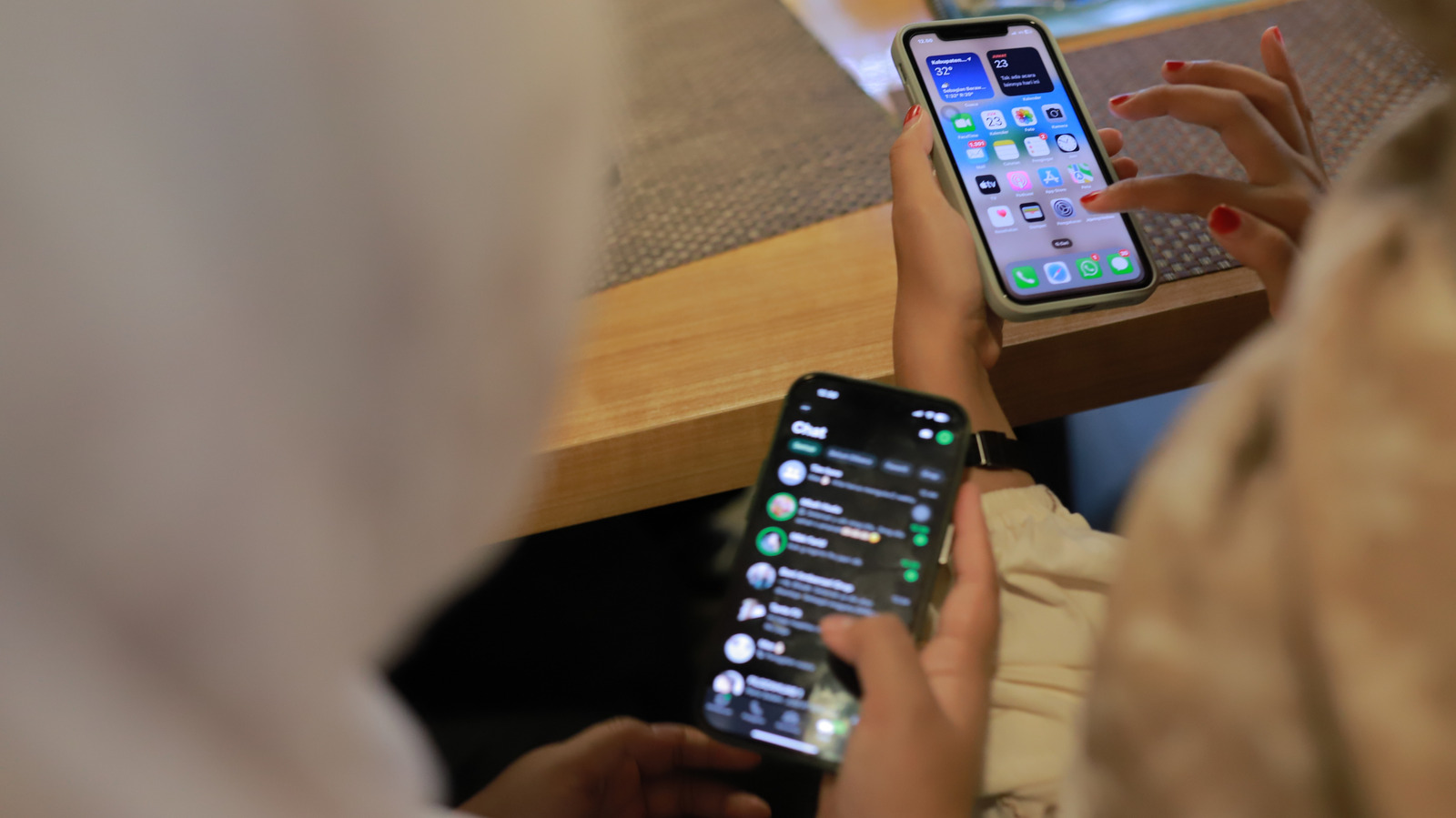
Many AirDrop issues stem from basic connectivity problems, primarily involving Wi-Fi and Bluetooth. For AirDrop to function, both devices must have Wi-Fi and Bluetooth enabled, be within approximately 30 feet of each other, and be awake. Users can troubleshoot by toggling these connections off and on, restarting their devices, or checking their receiving settings, which can be set to 'Contacts Only' or 'Everyone for 10 Minutes'. AI
RANK_REASON Troubleshooting guide for a common consumer technology feature.
AI-generated summary · Google Gemini · from 1 sources. How we write summaries →