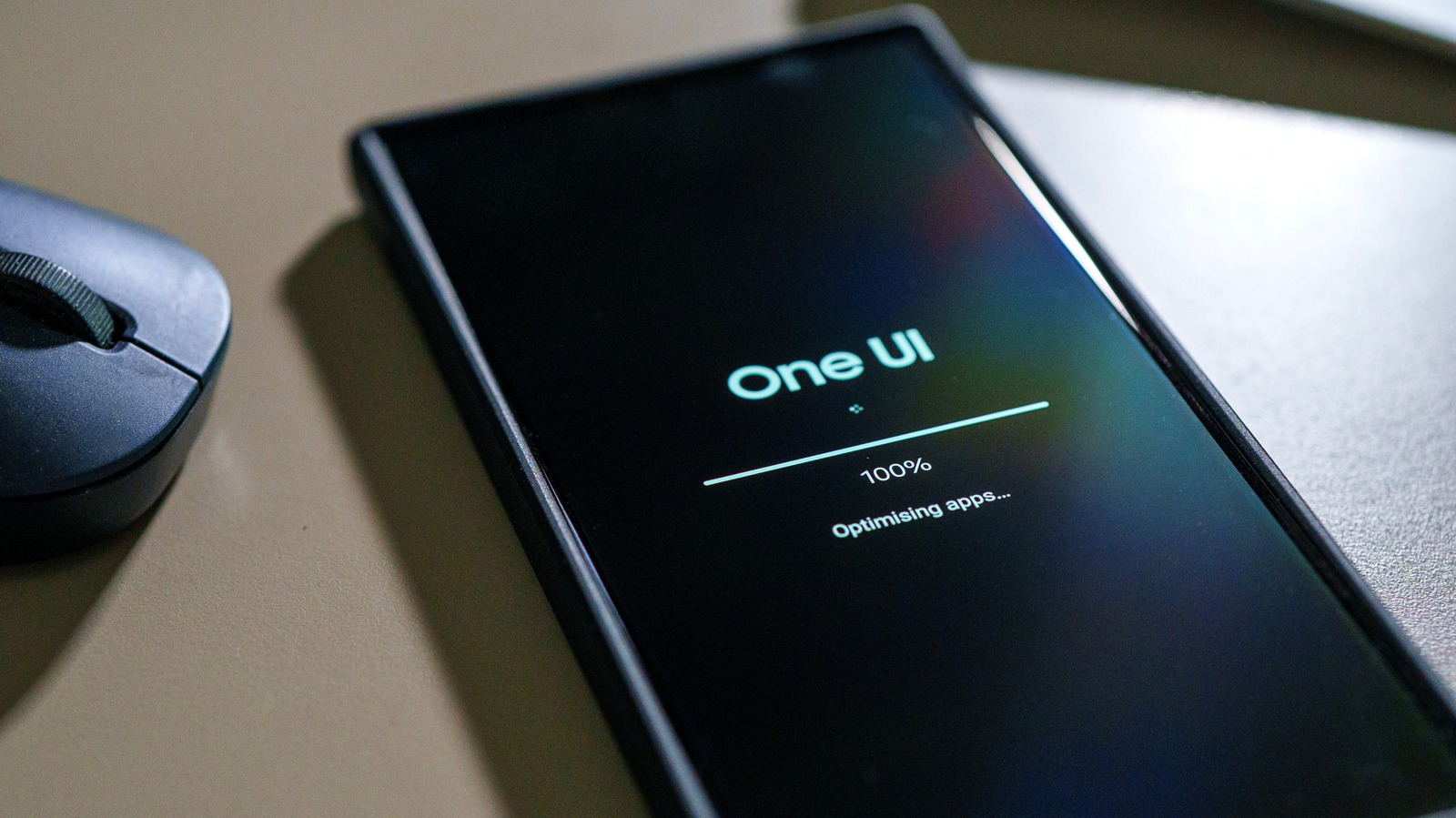
Samsung's One UI for Android offers a hidden setting to automatically remove status and navigation bars from screenshots. This feature, called "Hide status and navigation bars," can be enabled in Advanced features under Screenshots and screen recorder. Once activated, all future screenshots will exclude elements like the time, battery icon, and navigation buttons, providing cleaner images for sharing or creating tutorials without manual editing. AI
IMPACT Streamlines content creation for users sharing visual information from their devices.
RANK_REASON This is a software feature update for an existing product, not a new release or significant industry event.
AI-generated summary · Google Gemini · from 1 sources. How we write summaries →