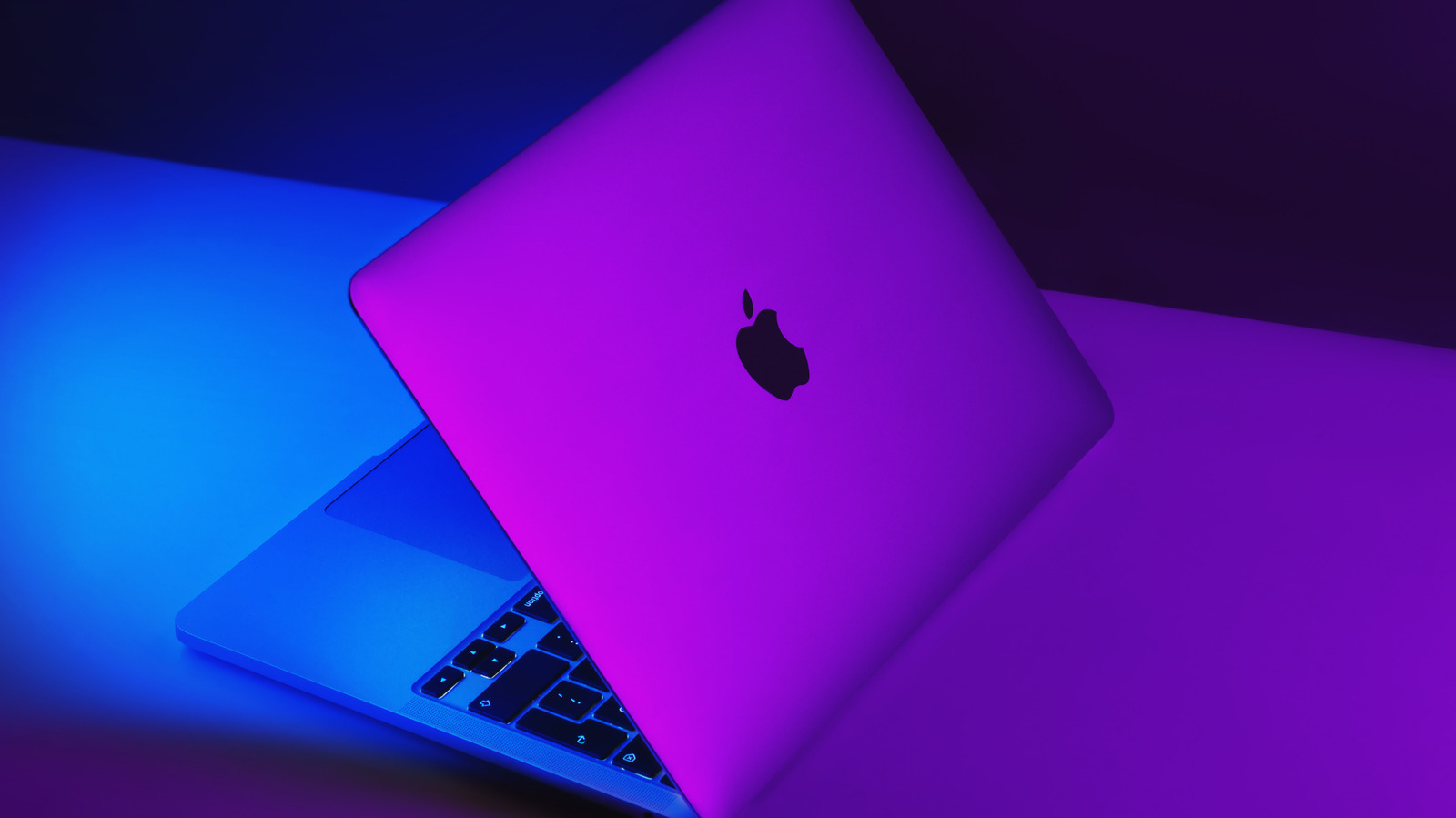
When setting up a new MacBook Pro, users should prioritize signing in with their Apple Account to enable features like iCloud and the App Store. Familiarizing oneself with Spotlight is crucial for efficient file and app searching, with its integration of Siri AI enhancing its capabilities for web searches and calculations. Customizing the Dock and appearance settings allows for personalization, while configuring Time Machine or other backup solutions is essential for data safety. AI
IMPACT Provides tips for optimizing the user experience of Apple's latest laptops.
RANK_REASON Article provides a guide for setting up a consumer electronic device.
- Apple Account
- iCloud
- Apple Inc.
- App Store
- iPad
- iPhone
- MacBook Pro
- macOS
- Microsoft Windows
- Spotlight
- Time Machine
AI-generated summary · Google Gemini · from 1 sources. How we write summaries →