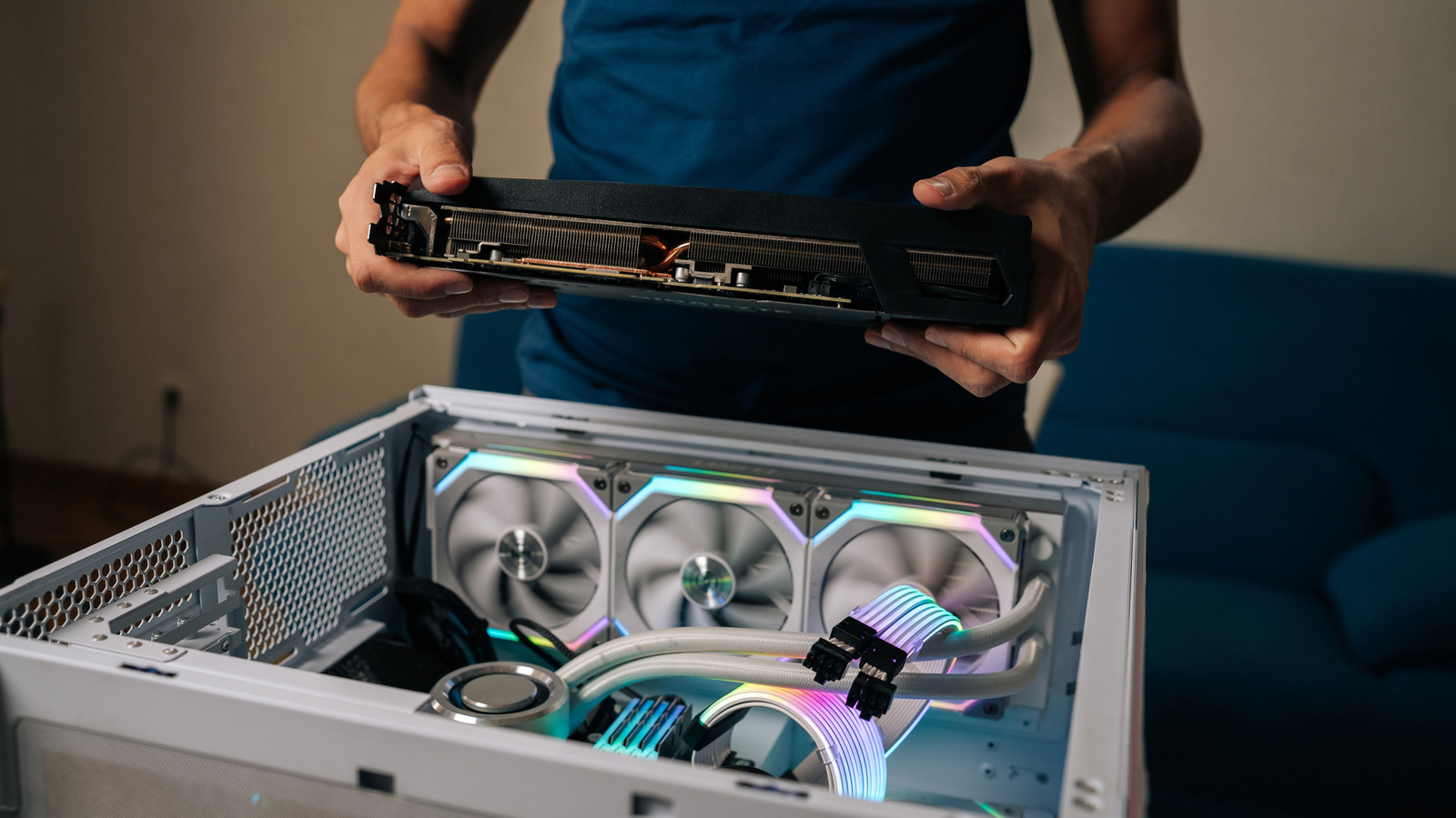
Upgrading a graphics card in a personal computer involves several key considerations to ensure optimal performance and compatibility. Users should first assess their existing hardware, including the power supply unit, computer case, and central processing unit, to avoid potential bottlenecks or power supply issues. The physical installation process is relatively straightforward, involving removing the old card and inserting the new one into the motherboard's PCI Express slot, followed by connecting power cables and installing updated drivers from the graphics processing unit manufacturer. AI
RANK_REASON Article provides a how-to guide for a common hardware upgrade.
- central processing unit
- computer case
- graphics card
- graphics processing unit
- motherboard
- PCI Express
- personal computer
- power supply unit
AI-generated summary · Google Gemini · from 1 sources. How we write summaries →