PulseAugur
EN
LIVE 19:33:40

Guide details PC graphics card upgrade process and compatibility checks

Upgrading a graphics card in a personal computer involves several key considerations to ensure optimal performance and compatibility. Users should first assess their existing hardware, including the power supply unit, computer case, and central processing unit, to avoid potential bottlenecks or power supply issues. The physical installation process is relatively straightforward, involving removing the old card and inserting the new one into the motherboard's PCI Express slot, followed by connecting power cables and installing updated drivers from the graphics processing unit manufacturer. AI

RANK_REASON Article provides a how-to guide for a common hardware upgrade.

Read on Engadget →

AI-generated summary · Google Gemini · from 1 sources. How we write summaries →
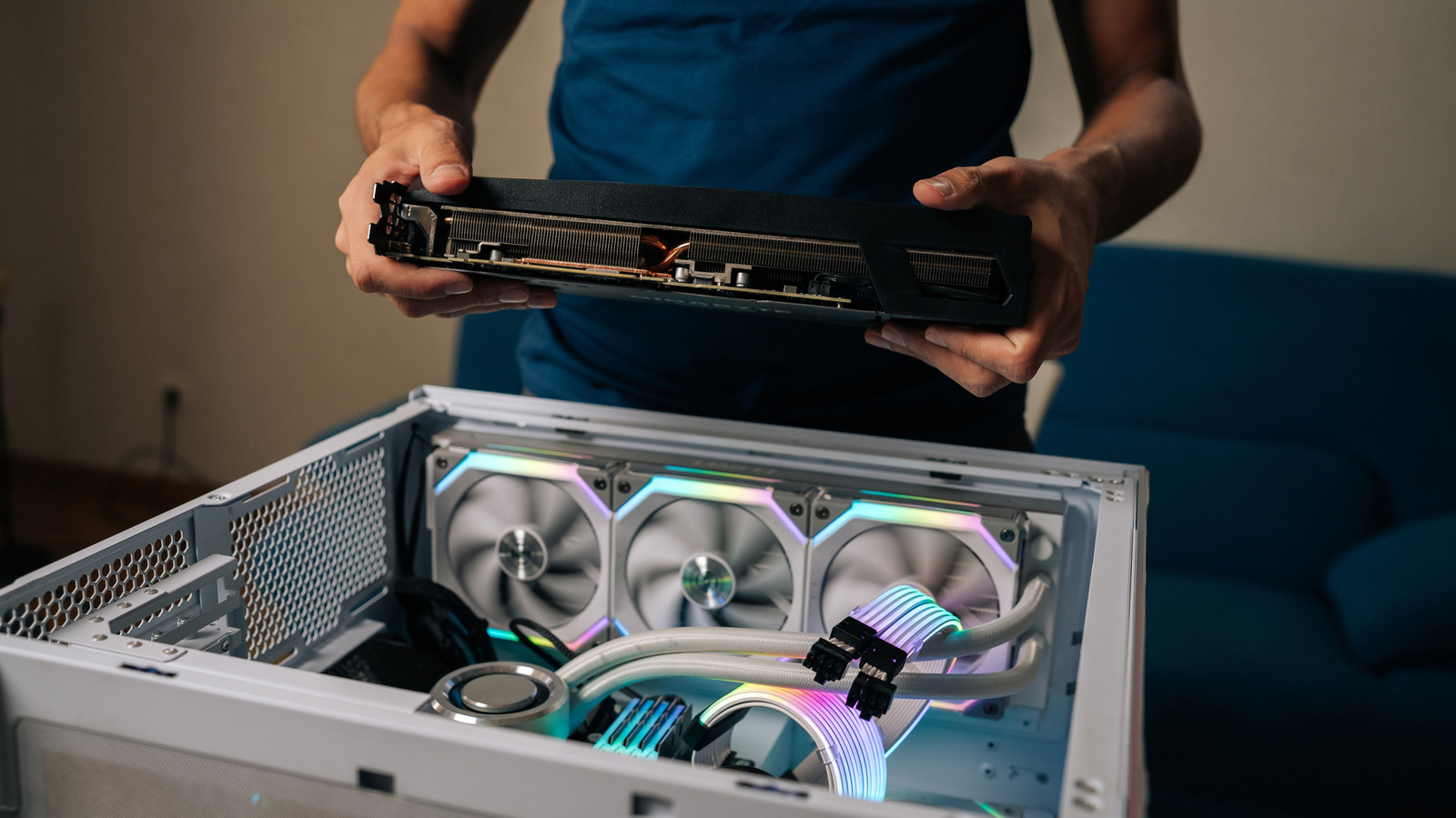
Guide details PC graphics card upgrade process and compatibility checks

How we ranked this

Signal score
1 / 100
Composite score across the factors below. Higher = stronger signal that this story matters right now.
Newsworthiness bucket
Tool
Article provides a how-to guide for a common hardware upgrade.
Source corroboration
Single-source cluster
Only one publisher covered this so far. Single-source stories can still rank when the publisher is high-authority, but they lack cross-source corroboration.
Topics
product, infra
Editorial topic classification. Feeds into how the story surfaces on /topic/<slug> hub pages and into the per-entity coverage mix.
AI-industry relevance
Low
Off-topic or adjacent — cluster remains reachable but doesn't surface in AI-industry rankings.
Story freshness
Breaking (< 6h)
Fresh story with cross-source coverage still developing. Ranking may shift as more sources report.

Full methodology in our editorial standards.

COVERAGE [1]

  1. Engadget TIER_1 English(EN) · [email protected] (Vincent Arogya) ·

    How to upgrade the graphics card in your PC

    Assess your existing hardware to avoid potential bottlenecks.