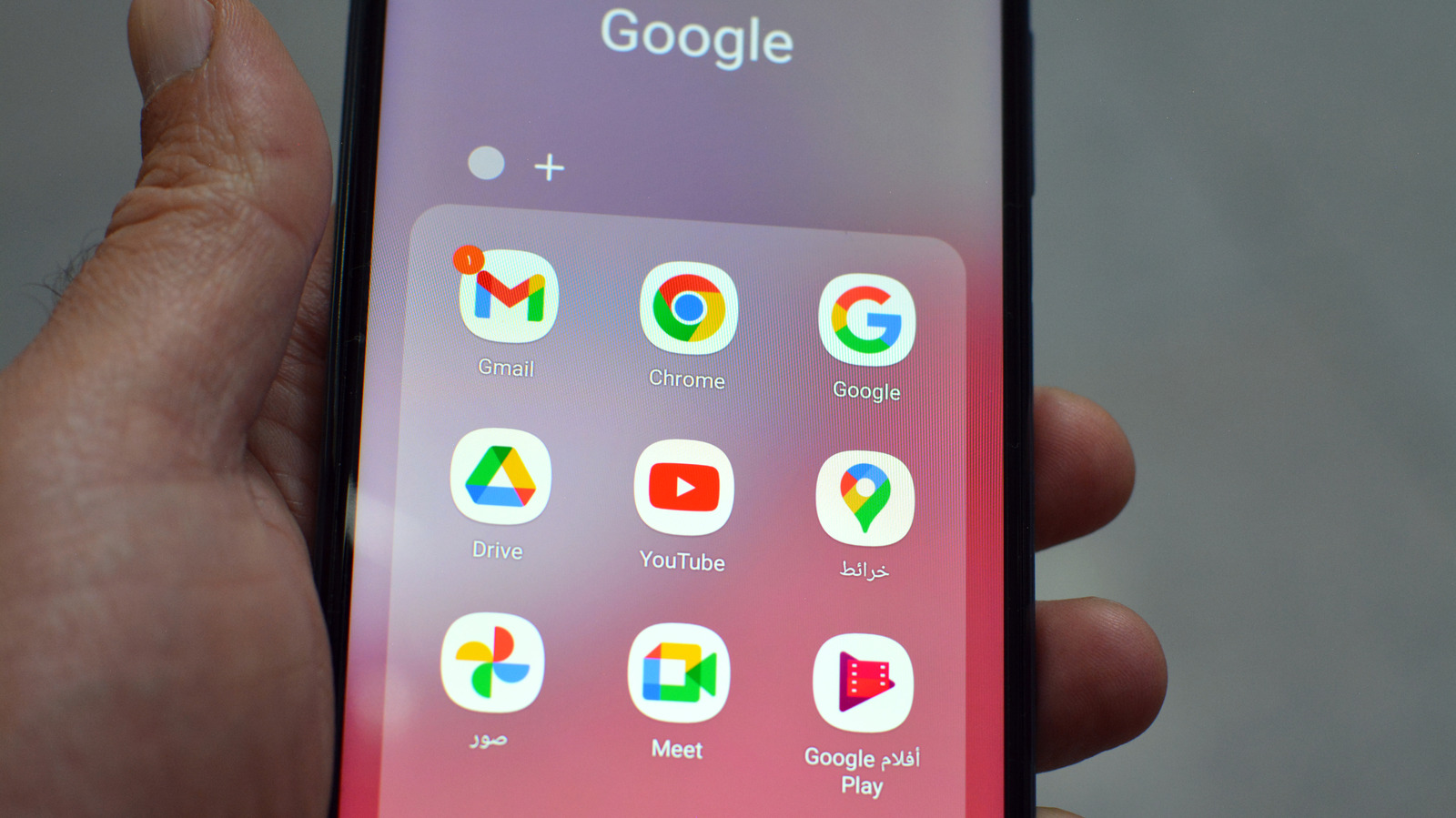
Users experiencing issues with the Gmail app on Android devices can troubleshoot by checking for app updates, verifying internet connectivity, and ensuring sync settings are correctly configured. If these steps don't resolve the problem, it may indicate a broader Google service outage, which can be monitored via the Workspace Status Dashboard. Corrupted app caches can also lead to erratic behavior and are typically resolved by clearing them. AI
IMPACT Ensures continued accessibility of a widely used communication tool for AI-related tasks.
RANK_REASON Provides troubleshooting steps for a common software issue.
AI-generated summary · Google Gemini · from 1 sources. How we write summaries →