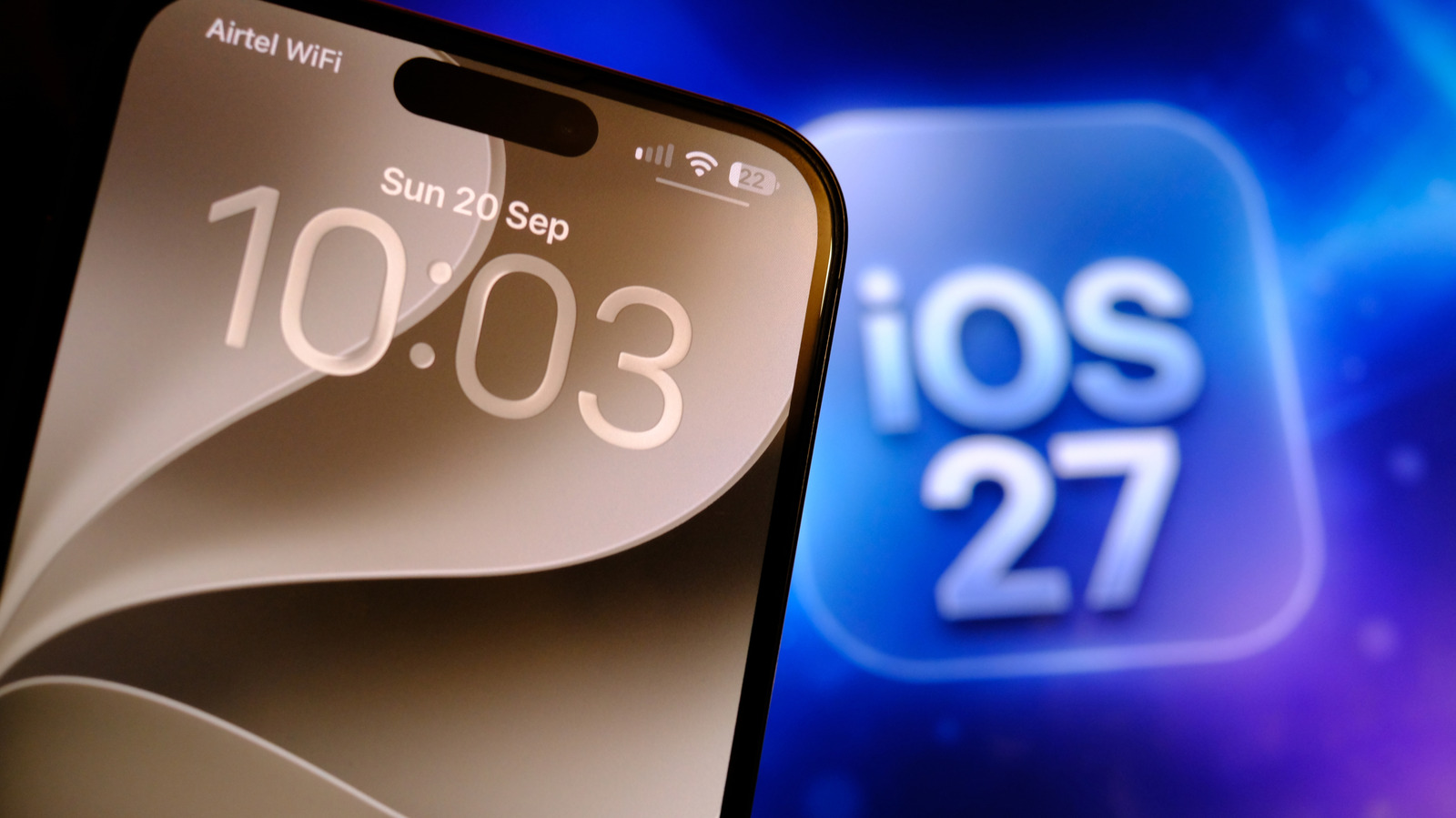
Apple's iOS 27 update introduces an automatic subtitle feature that can be triggered by various conditions, such as when a video's language differs from the device's preferred language or when the device is muted. While this feature can be helpful for some users, it can also be an annoyance for others who prefer to manually control subtitles. Fortunately, users can disable these automatic subtitles through the Settings app under Accessibility > Subtitles & Captioning, with options to turn off triggers related to language mismatches, muted devices, and video rewinding. AI
IMPACT Minor usability change for video playback on Apple devices.
RANK_REASON This is a software update feature for a consumer device, not a core AI release or significant industry event.
AI-generated summary · Google Gemini · from 1 sources. How we write summaries →