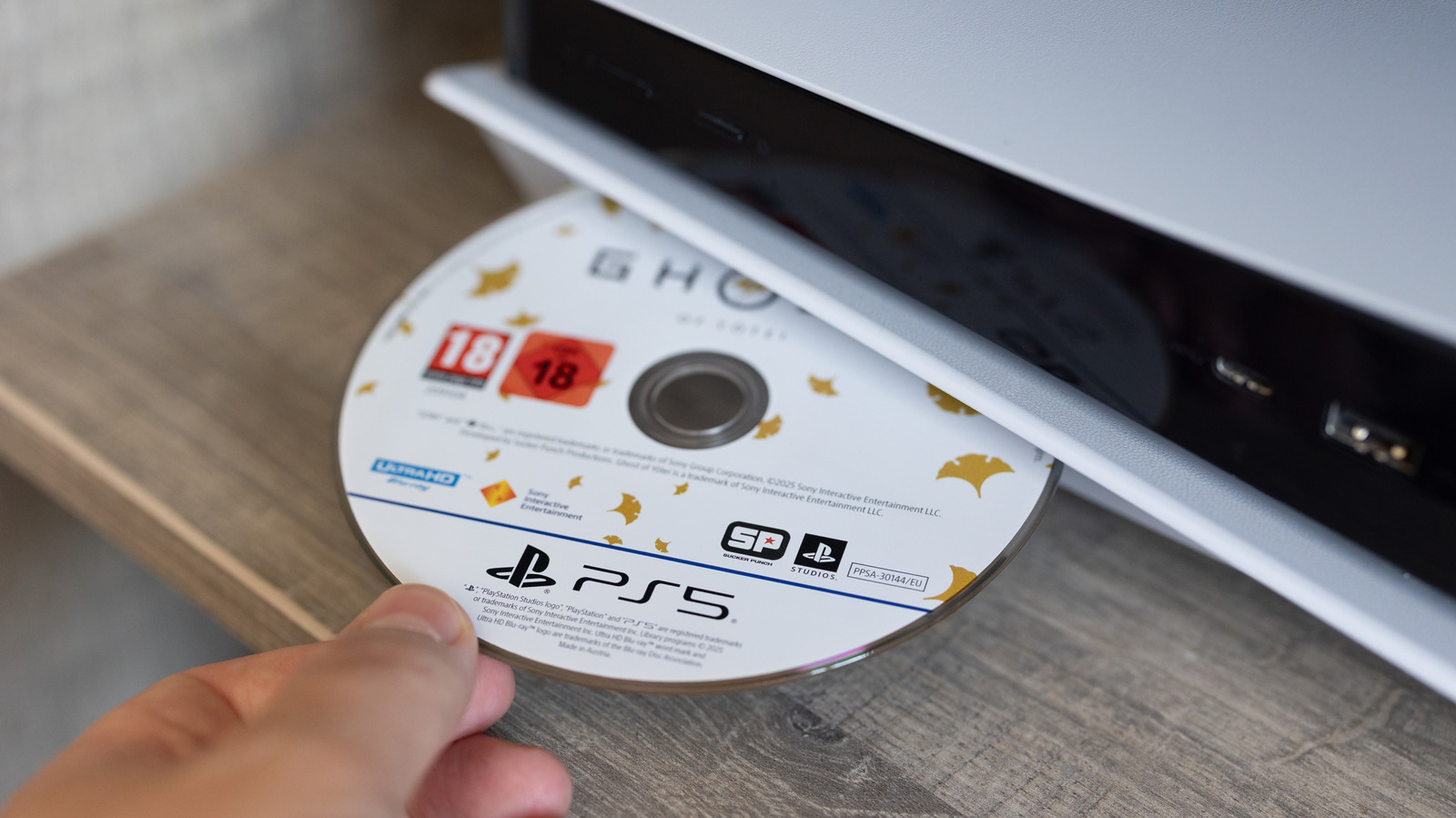
A stuck disc in a PlayStation 5 can be removed by disassembling the console's side panel and manually turning a screw. This process requires a #1 Phillips head screwdriver and involves powering down the console, removing the panel, locating and turning the screw clockwise until the disc is exposed, and then carefully extracting it. If this method fails, users can attempt to eject the disc via Safe Mode or seek warranty repair from Sony. AI
RANK_REASON Article provides a how-to guide for a specific hardware issue with a consumer electronic device.
AI-generated summary · Google Gemini · from 1 sources. How we write summaries →