PulseAugur
EN
LIVE 09:56:44

Starlink Wi-Fi speed boost: Split network settings explained

Starlink users can potentially improve their Wi-Fi speeds by splitting their network into separate 2.4GHz and 5GHz bands through the Starlink app. This allows devices capable of using the faster 5GHz band to connect exclusively to it, reducing congestion and interference. However, this configuration can lead to reduced range and potential issues with devices communicating across bands, especially for smart home accessories. Users should weigh the potential speed benefits against these drawbacks and consider their specific needs and network environment. AI

RANK_REASON Article provides a technical tip for optimizing an existing product's performance.

Read on Engadget →

AI-generated summary · Google Gemini · from 1 sources. How we write summaries →
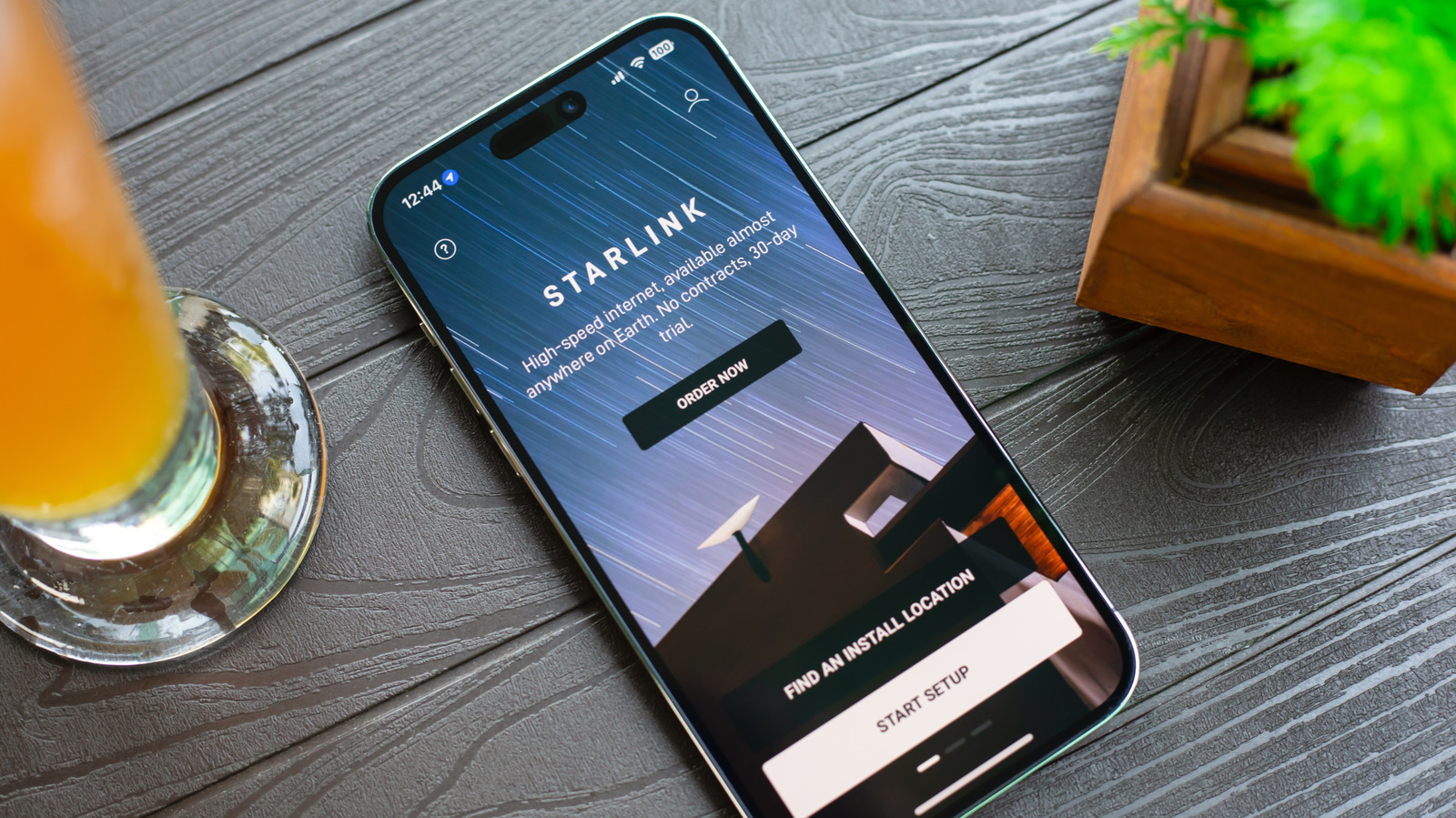
Starlink Wi-Fi speed boost: Split network settings explained

How we ranked this

Signal score
0 / 100
Composite score across the factors below. Higher = stronger signal that this story matters right now.
Newsworthiness bucket
Tool
Article provides a technical tip for optimizing an existing product's performance.
Source corroboration
Single-source cluster
Only one publisher covered this so far. Single-source stories can still rank when the publisher is high-authority, but they lack cross-source corroboration.
Topics
product, infra
Editorial topic classification. Feeds into how the story surfaces on /topic/<slug> hub pages and into the per-entity coverage mix.
AI-industry relevance
Low
Off-topic or adjacent — cluster remains reachable but doesn't surface in AI-industry rankings.
Story freshness
1 days old
Coverage has settled into its steady-state source set.

Full methodology in our editorial standards.

COVERAGE [1]

  1. Engadget TIER_1 English(EN) · [email protected] (Roger Fingas) ·

    Improve your Starlink Wi-Fi speed with this app setting

    See how a single setting in the Starlink app can improve your home internet speed, and figure out whether switching it on makes sense for your setup.