PulseAugur
EN
LIVE 12:42:31

How to test your USB connection speeds using diagnostic tools

Users can verify their USB connection speeds using diagnostic tools like CrystalDiskMark or AmorphousDiskMark for Windows and macOS, respectively. These programs test storage drive read/write speeds, which serve as a proxy for USB port performance. For a more direct assessment on Windows, the USBView tool, found within the Windows SDK, can display the actual bus speed of connected devices, though it uses descriptive terms like 'SuperSpeed 20' instead of version numbers. It's important to use devices and cables that meet or exceed the USB port's capabilities for accurate testing, and to remember that reported speeds are often in bytes per second, requiring conversion to bits per second for comparison with official USB specifications. AI

RANK_REASON The article provides instructions and recommends specific software tools for users to test their USB connection speeds.

Read on Engadget →

AI-generated summary · Google Gemini · from 1 sources. How we write summaries →
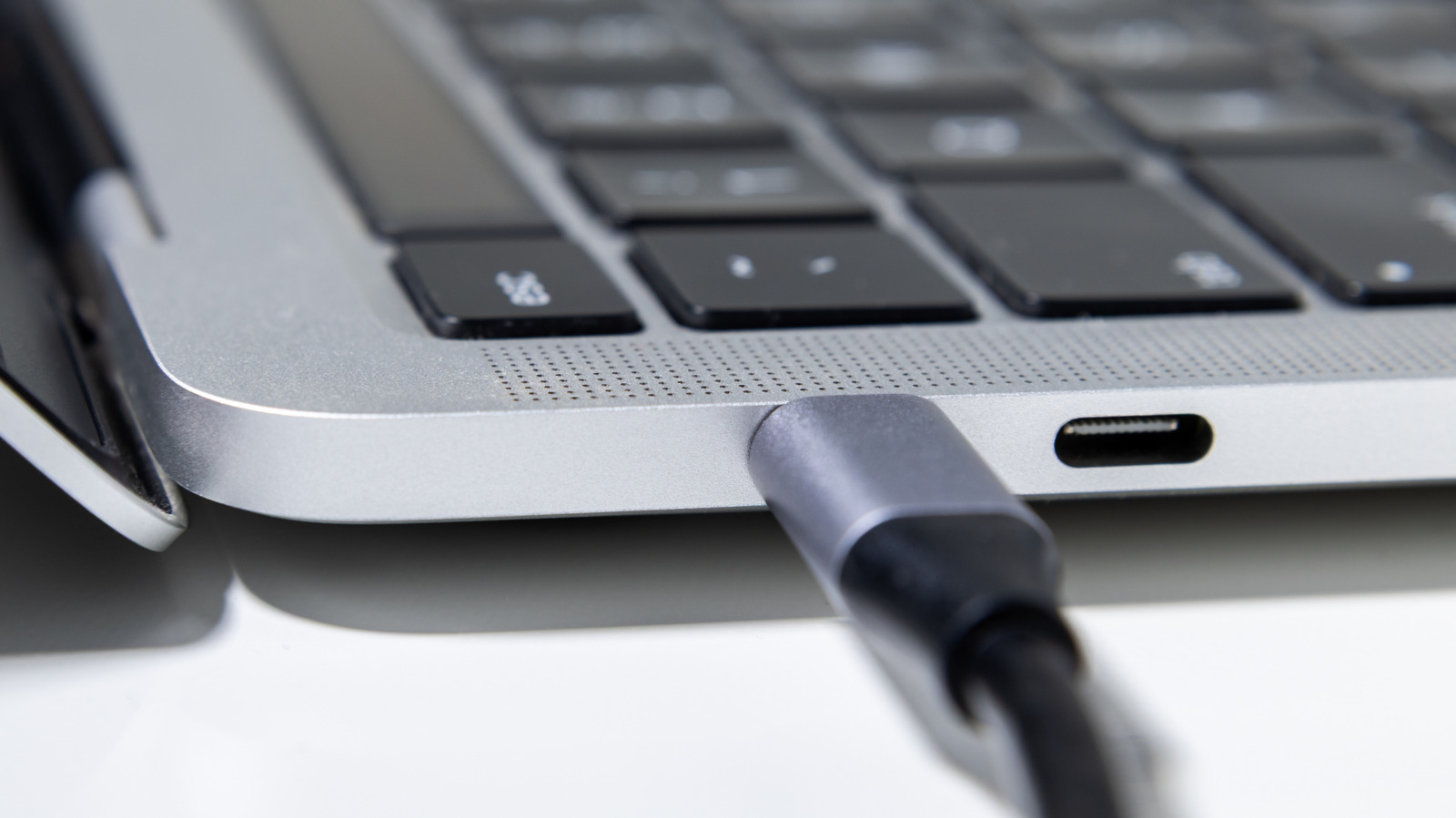
How to test your USB connection speeds using diagnostic tools

How we ranked this

Signal score
0 / 100
Composite score across the factors below. Higher = stronger signal that this story matters right now.
Newsworthiness bucket
Tool
The article provides instructions and recommends specific software tools for users to test their USB connection speeds.
Source corroboration
Single-source cluster
Only one publisher covered this so far. Single-source stories can still rank when the publisher is high-authority, but they lack cross-source corroboration.
Topics
product, other
Editorial topic classification. Feeds into how the story surfaces on /topic/<slug> hub pages and into the per-entity coverage mix.
AI-industry relevance
Low
Off-topic or adjacent — cluster remains reachable but doesn't surface in AI-industry rankings.
Story freshness
3 days old
Aged out of breaking-news scoring windows; ranking reflects the durable signal from the full source set.

Full methodology in our editorial standards.

COVERAGE [1]

  1. Engadget TIER_1 English(EN) · [email protected] (Jules Wang) ·

    Here's how to properly test your USB speed

    Your USB ports and devices are all rated for certain speeds, but how do you know everything's performing as it should? It's actually not that hard.