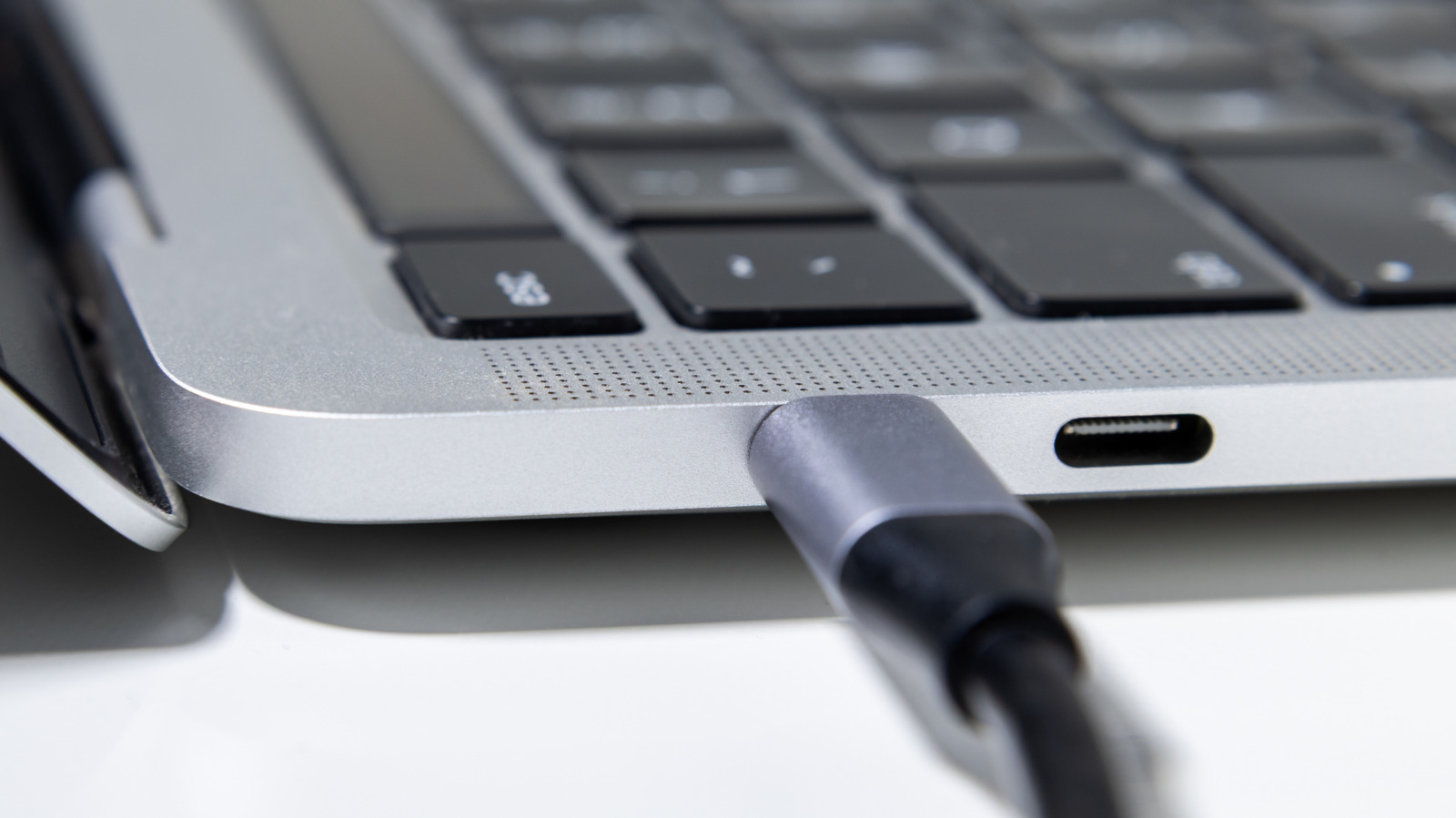
Users can verify their USB connection speeds using diagnostic tools like CrystalDiskMark or AmorphousDiskMark for Windows and macOS, respectively. These programs test storage drive read/write speeds, which serve as a proxy for USB port performance. For a more direct assessment on Windows, the USBView tool, found within the Windows SDK, can display the actual bus speed of connected devices, though it uses descriptive terms like 'SuperSpeed 20' instead of version numbers. It's important to use devices and cables that meet or exceed the USB port's capabilities for accurate testing, and to remember that reported speeds are often in bytes per second, requiring conversion to bits per second for comparison with official USB specifications. AI
RANK_REASON The article provides instructions and recommends specific software tools for users to test their USB connection speeds.
- AmorphousDiskMark
- CrystalDiskMark
- macOS
- Windows
- Type-A
- USB
- USB 2.0
- USB 3.2 Gen 2
- USB 3.2 Gen 1
- USB 3.2 Gen 2x2
- USB 4
- USBView
AI-generated summary · Google Gemini · from 1 sources. How we write summaries →