PulseAugur
EN
LIVE 16:26:05

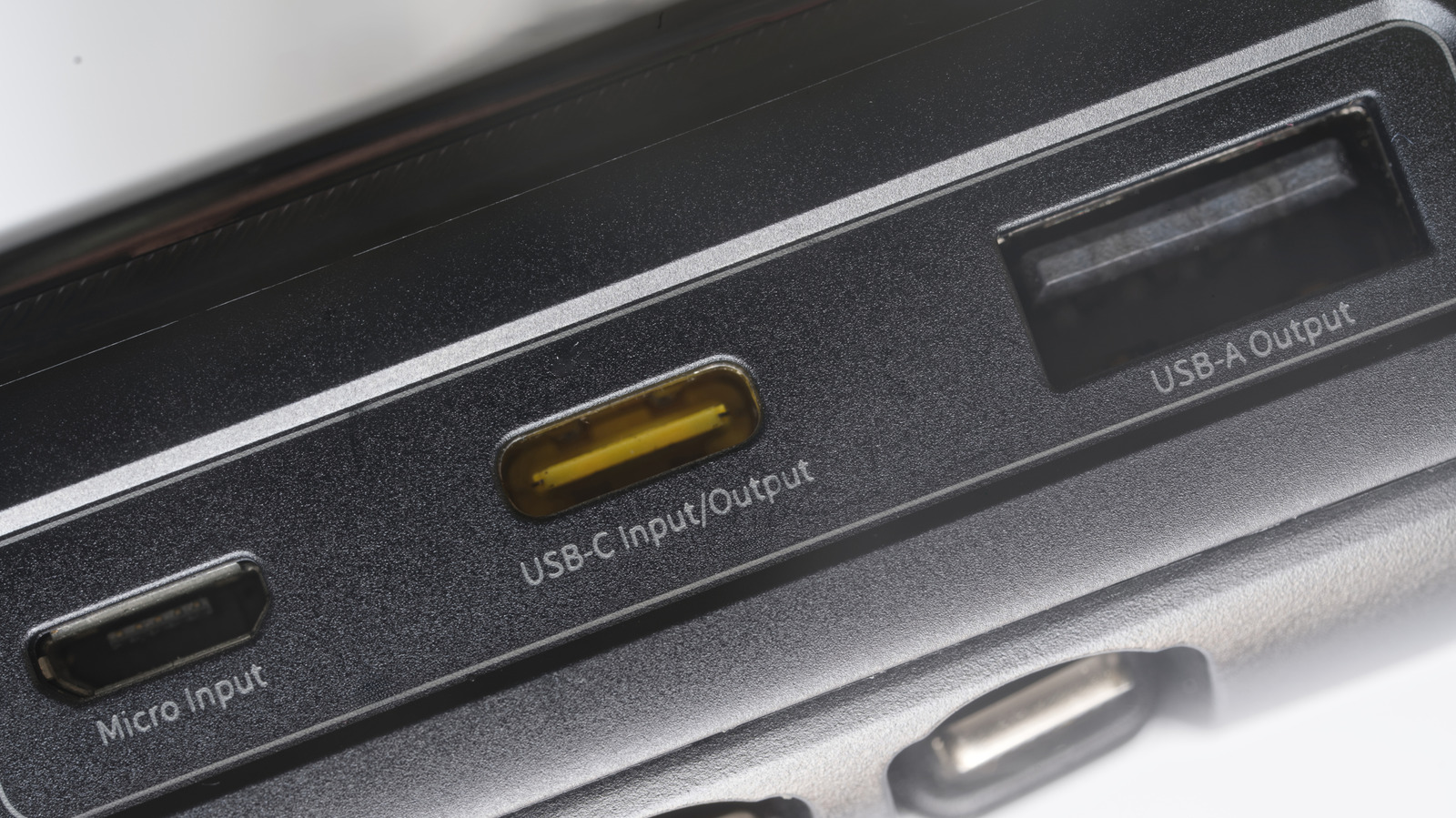
Black USB ports typically mean USB 2.0, but check the manual

While not a universal standard, black USB ports commonly indicate USB 2.0 (Hi-Speed USB) connections, supporting data transfer rates up to 480 Mbps. This contrasts with white USB ports, which typically signify the slower USB 1.x standard. However, manufacturers are not strictly bound by these color conventions, and the best way to confirm a port's capabilities is by checking its markings or consulting the device's documentation. USB-C ports, which have a wider range of capabilities, generally do not use color-coding. AI

RANK_REASON Article explains a common convention for hardware ports.

Read on Engadget →

AI-generated summary · Google Gemini · from 1 sources. How we write summaries →
Black USB ports typically mean USB 2.0, but check the manual

How we ranked this

Signal score
2 / 100
Composite score across the factors below. Higher = stronger signal that this story matters right now.
Newsworthiness bucket
Tool
Article explains a common convention for hardware ports.
Source corroboration
Single-source cluster
Only one publisher covered this so far. Single-source stories can still rank when the publisher is high-authority, but they lack cross-source corroboration.
Topics
product, other
Editorial topic classification. Feeds into how the story surfaces on /topic/<slug> hub pages and into the per-entity coverage mix.
AI-industry relevance
Low
Off-topic or adjacent — cluster remains reachable but doesn't surface in AI-industry rankings.
Story freshness
Breaking (< 6h)
Fresh story with cross-source coverage still developing. Ranking may shift as more sources report.

Full methodology in our editorial standards.

COVERAGE [1]

  1. Engadget TIER_1 English(EN) · [email protected] (Thomas Godwin) ·

    The reason why some USB ports are black

    USB ports come in multiple colors, from eye-catching ones like orange and purple to plain old black ports. Here's what the latter signifies.