PulseAugur
EN
LIVE 18:47:18

PC Gamers Advised to Cap FPS for Smoother Gameplay and Reduced Artifacts

Limiting a PC game's frames per second (FPS) can improve performance and reduce visual artifacts like screen tearing, especially when using Variable Refresh Rate (VRR) monitors. Capping FPS can decrease GPU load, leading to lower power consumption and fan noise. For optimal results, gamers can utilize GPU-specific software like Nvidia's App or Control Panel, or AMD's Adrenalin, to set frame rate limits, often a few frames below the monitor's maximum refresh rate. AI

RANK_REASON Article discusses software tools and techniques for optimizing PC gaming performance.

Read on Engadget →

AI-generated summary · Google Gemini · from 1 sources. How we write summaries →
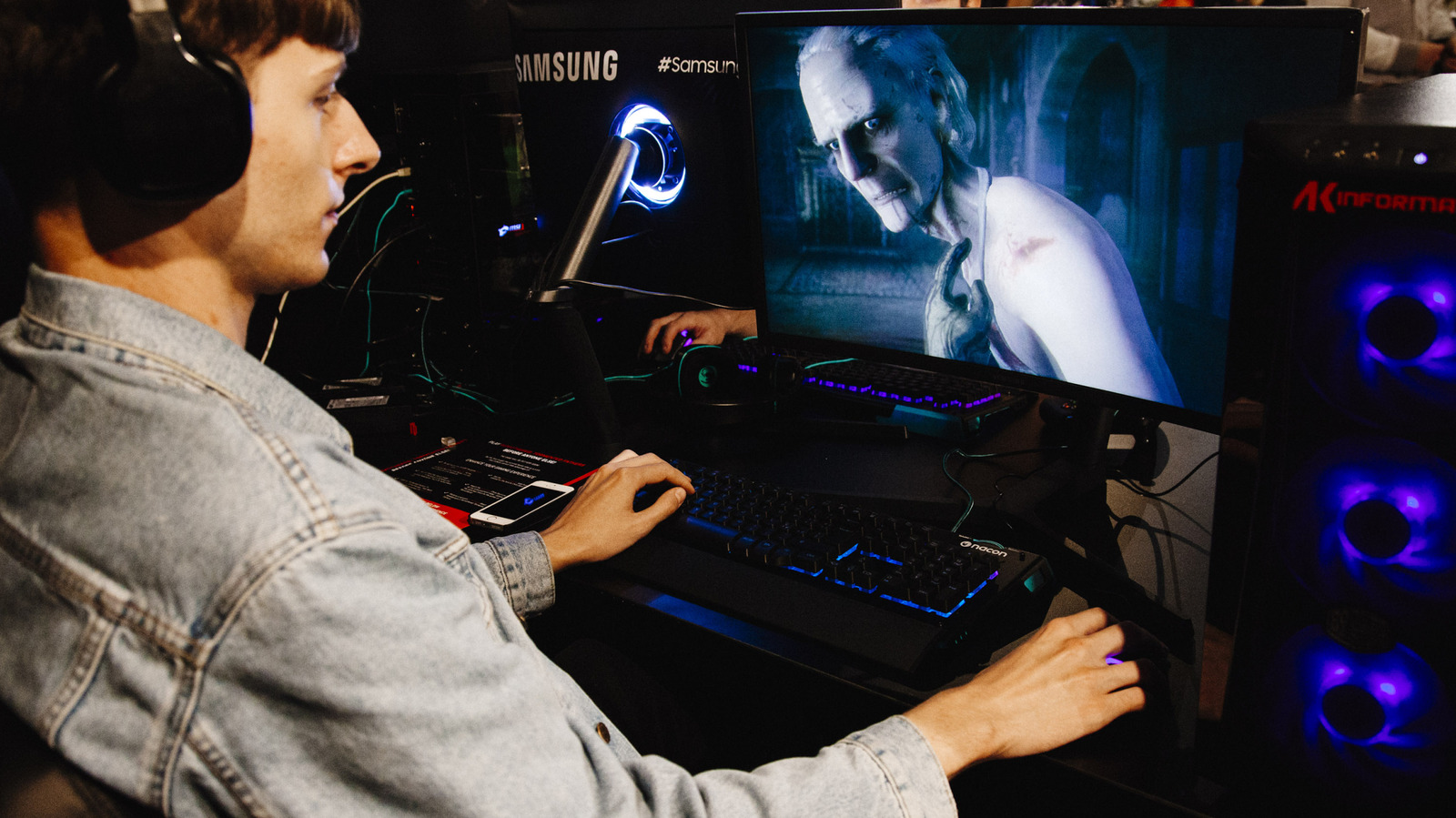
PC Gamers Advised to Cap FPS for Smoother Gameplay and Reduced Artifacts

How we ranked this

Signal score
3 / 100
Composite score across the factors below. Higher = stronger signal that this story matters right now.
Newsworthiness bucket
Tool
Article discusses software tools and techniques for optimizing PC gaming performance.
Source corroboration
Single-source cluster
Only one publisher covered this so far. Single-source stories can still rank when the publisher is high-authority, but they lack cross-source corroboration.
Topics
product, infra
Editorial topic classification. Feeds into how the story surfaces on /topic/<slug> hub pages and into the per-entity coverage mix.
AI-industry relevance
Low
Off-topic or adjacent — cluster remains reachable but doesn't surface in AI-industry rankings.
Story freshness
Breaking (< 6h)
Fresh story with cross-source coverage still developing. Ranking may shift as more sources report.

Full methodology in our editorial standards.

COVERAGE [1]

  1. Engadget TIER_1 English(EN) · [email protected] (Dave Meikleham) ·

    Should you limit your FPS in games? Here's when it makes sense

    While it's natural to want to get as many fps from your rig as possible, there are reasons to limit frame output from your GPU.