PulseAugur
EN
LIVE 23:41:37

How to Monitor PC Background Processes Using Task Manager

Monitoring PC background processes is crucial for identifying unusual activity and resource consumption. Tools like Windows Task Manager allow users to view running applications, background processes, and system tasks, along with their CPU, memory, disk, and network usage. Understanding normal process behavior helps in spotting issues and deciding which applications to close to free up resources and improve PC performance. AI

RANK_REASON Article explains how to use a specific software tool (Task Manager) for PC maintenance.

Read on Engadget →

AI-generated summary · Google Gemini · from 1 sources. How we write summaries →
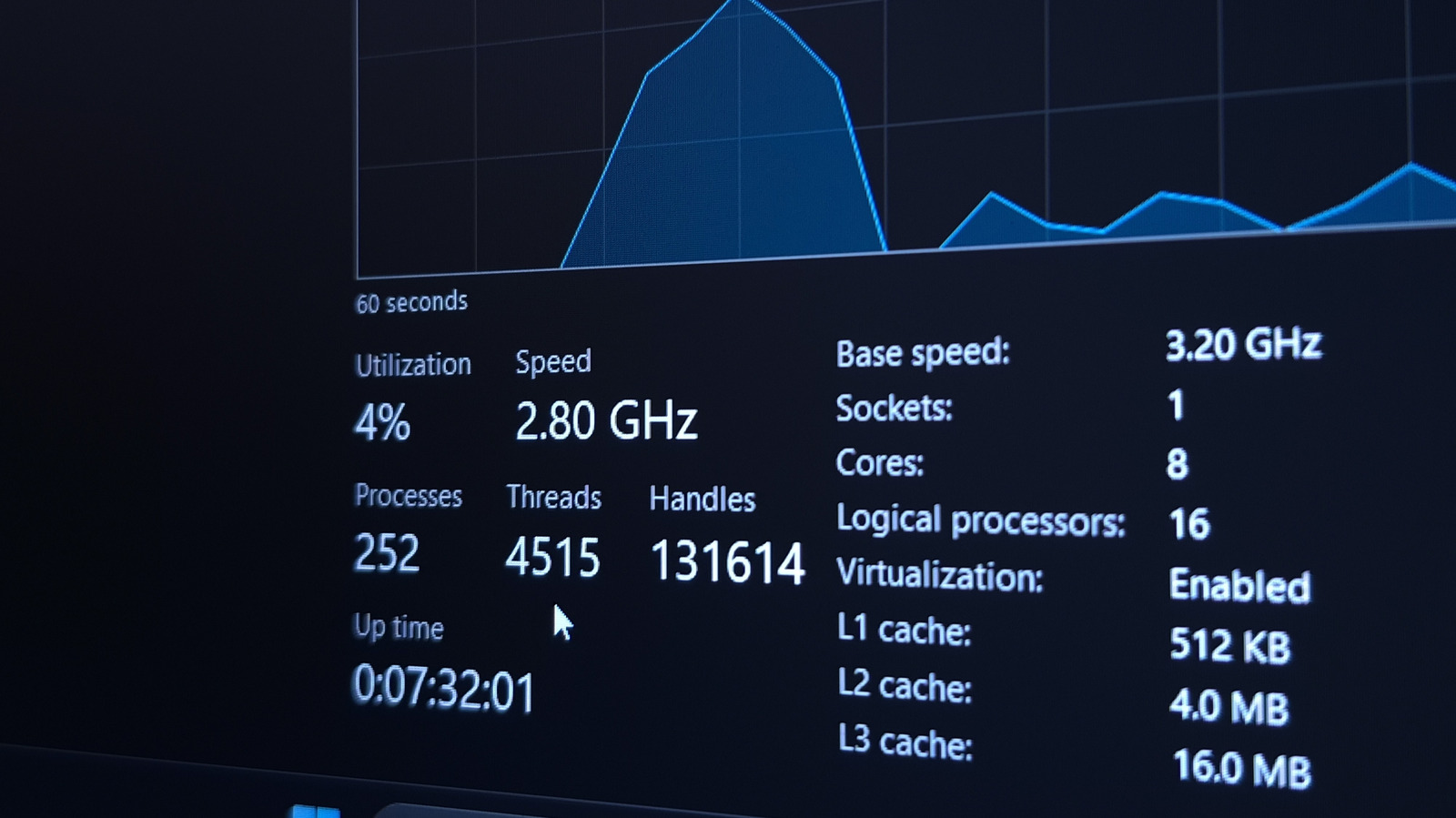
How to Monitor PC Background Processes Using Task Manager

How we ranked this

Signal score
4 / 100
Composite score across the factors below. Higher = stronger signal that this story matters right now.
Newsworthiness bucket
Tool
Article explains how to use a specific software tool (Task Manager) for PC maintenance.
Source corroboration
Single-source cluster
Only one publisher covered this so far. Single-source stories can still rank when the publisher is high-authority, but they lack cross-source corroboration.
Topics
product, other
Editorial topic classification. Feeds into how the story surfaces on /topic/<slug> hub pages and into the per-entity coverage mix.
AI-industry relevance
Low
Off-topic or adjacent — cluster remains reachable but doesn't surface in AI-industry rankings.
Story freshness
Breaking (< 6h)
Fresh story with cross-source coverage still developing. Ranking may shift as more sources report.

Full methodology in our editorial standards.

COVERAGE [1]

  1. Engadget TIER_1 English(EN) · [email protected] (Jack Whitcombe) ·

    Why it's important to monitor your PC's background processes

    What your PC is doing in the background doesn't need to be a mystery. Learn about what's happening and how to spot when something looks wrong.