PulseAugur
EN
LIVE 03:28:29

How to fix blurry iPhone photos: Tips and settings

Many iPhone users experience blurry photos due to smudged lenses or low-light conditions, which can hinder the camera's ability to focus and require slower shutter speeds. To improve image quality, users should ensure their lenses are clean and explore iPhone's built-in camera settings like AE/AF Lock and Night Mode. For more advanced control over settings such as shutter speed and ISO, third-party apps or a tripod may be necessary to achieve sharper results, especially in challenging lighting. AI

IMPACT Offers users practical advice to improve smartphone photography without relying on advanced AI tools.

RANK_REASON Article provides practical tips and settings adjustments for a consumer product.

Read on Engadget →

AI-generated summary · Google Gemini · from 1 sources. How we write summaries →
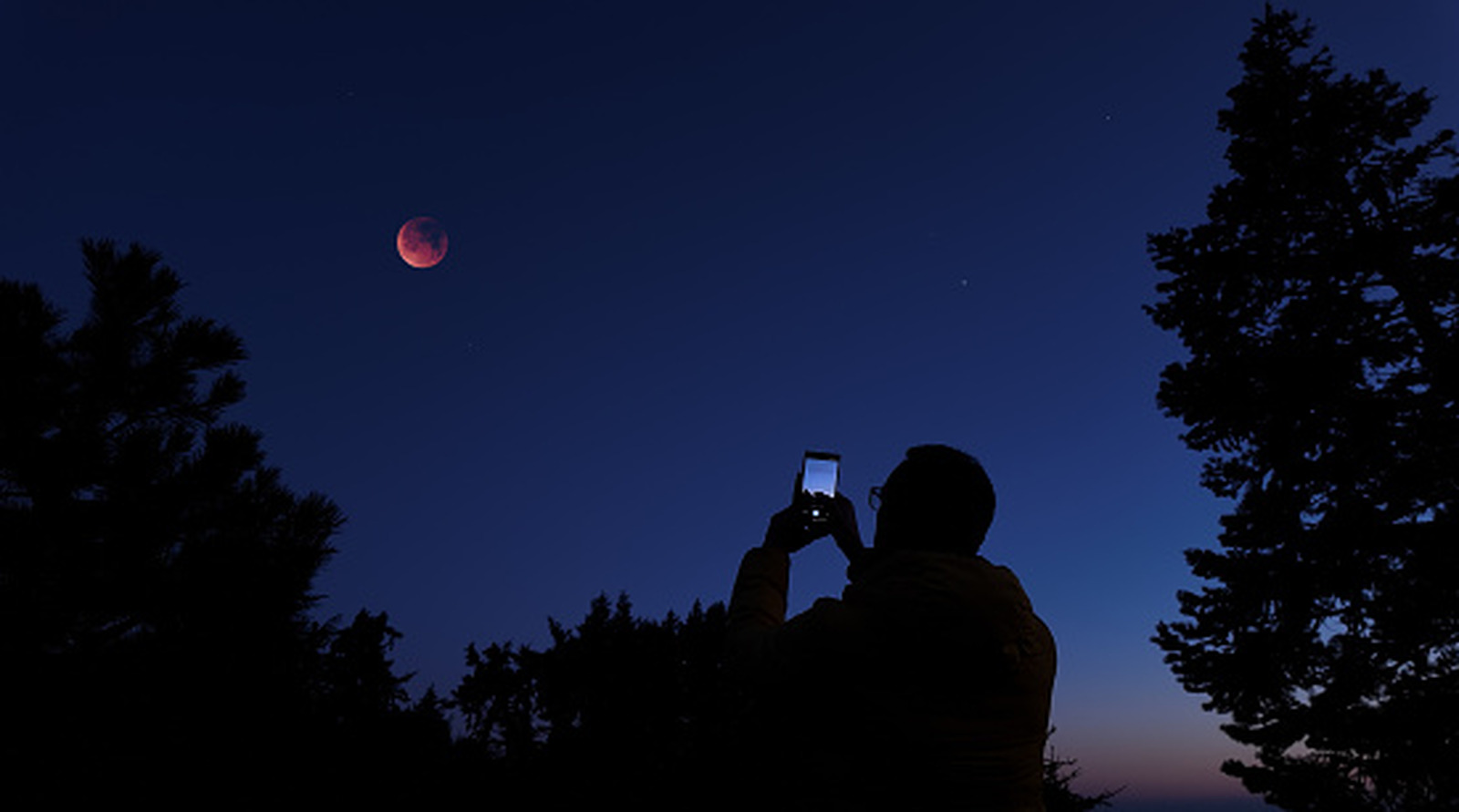
How to fix blurry iPhone photos: Tips and settings

How we ranked this

Signal score
1 / 100
Composite score across the factors below. Higher = stronger signal that this story matters right now.
Newsworthiness bucket
Tool
Article provides practical tips and settings adjustments for a consumer product.
Source corroboration
Single-source cluster
Only one publisher covered this so far. Single-source stories can still rank when the publisher is high-authority, but they lack cross-source corroboration.
Topics
product, other
Editorial topic classification. Feeds into how the story surfaces on /topic/<slug> hub pages and into the per-entity coverage mix.
AI-industry relevance
Low
Off-topic or adjacent — cluster remains reachable but doesn't surface in AI-industry rankings.
Story freshness
Breaking (< 6h)
Fresh story with cross-source coverage still developing. Ranking may shift as more sources report.

Full methodology in our editorial standards.

COVERAGE [1]

  1. Engadget TIER_1 English(EN) · [email protected] (Jack Peachey) ·

    Why are your iPhone photos so blurry (and how to improve it)

    Blurry iPhone photos can come down to more than just a dirty lens. Here's how to expertly sharpen your shots and fine-tune your camera settings.