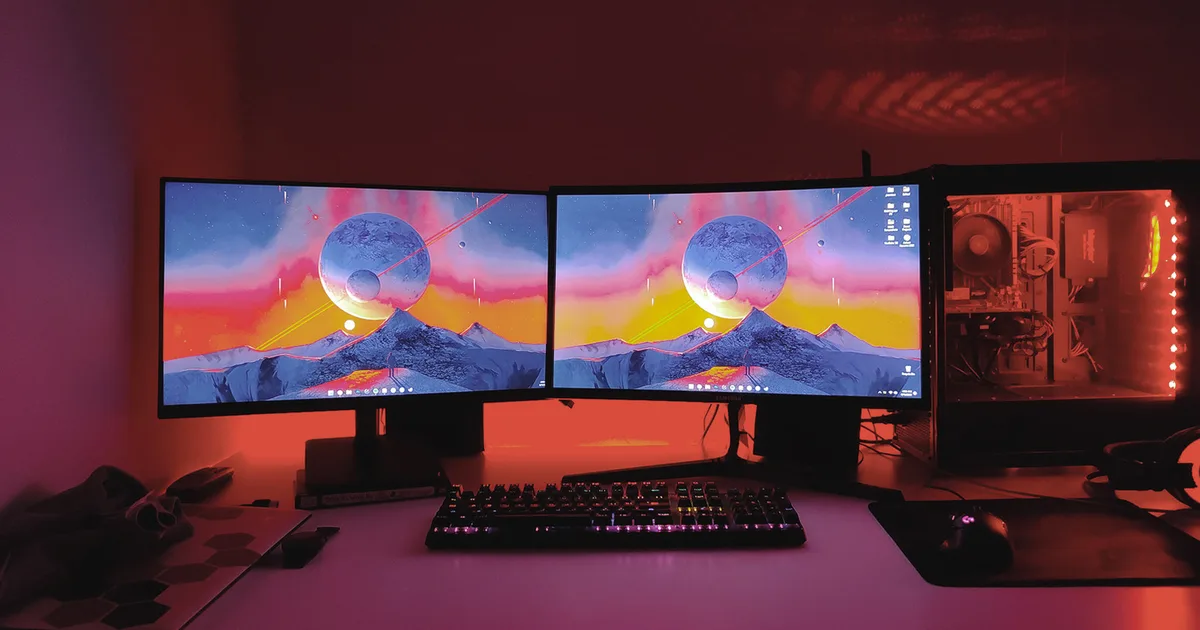
The article discusses the benefits of using multiple monitors for enhanced productivity, particularly for remote work. It highlights how a dual-monitor setup allows for more windows to be open simultaneously, improving workflows for tasks like programming and writing. The piece also explores using a laptop as a second screen, suggesting placement strategies and noting that discrepancies in size and resolution are less problematic for secondary applications like Spotify or Slack. Alternatively, for those who prefer simplicity or have limited desk space, a single, larger monitor (32-inch or more) can offer sufficient screen real estate for multitasking. AI
RANK_REASON The item is a personal opinion piece discussing workflow optimization with computer peripherals.
AI-generated summary · Google Gemini · from 1 sources. How we write summaries →