PulseAugur
EN
LIVE 16:19:34

Use low-speed USB ports for keyboards and mice to save bandwidth

When connecting a computer keyboard and mouse, it is generally best to use the lowest-speed USB ports available, such as USB 2.0. These input devices require minimal bandwidth, freeing up higher-speed USB 3.x and USB4 ports for more demanding devices like Solid State Drives and external monitors. However, if a USB hub or the keyboard itself has integrated high-speed ports, it may be necessary to use a faster port on the computer to support those connected devices. AI

RANK_REASON Article provides practical advice on using computer peripherals.

Read on Engadget →

AI-generated summary · Google Gemini · from 1 sources. How we write summaries →
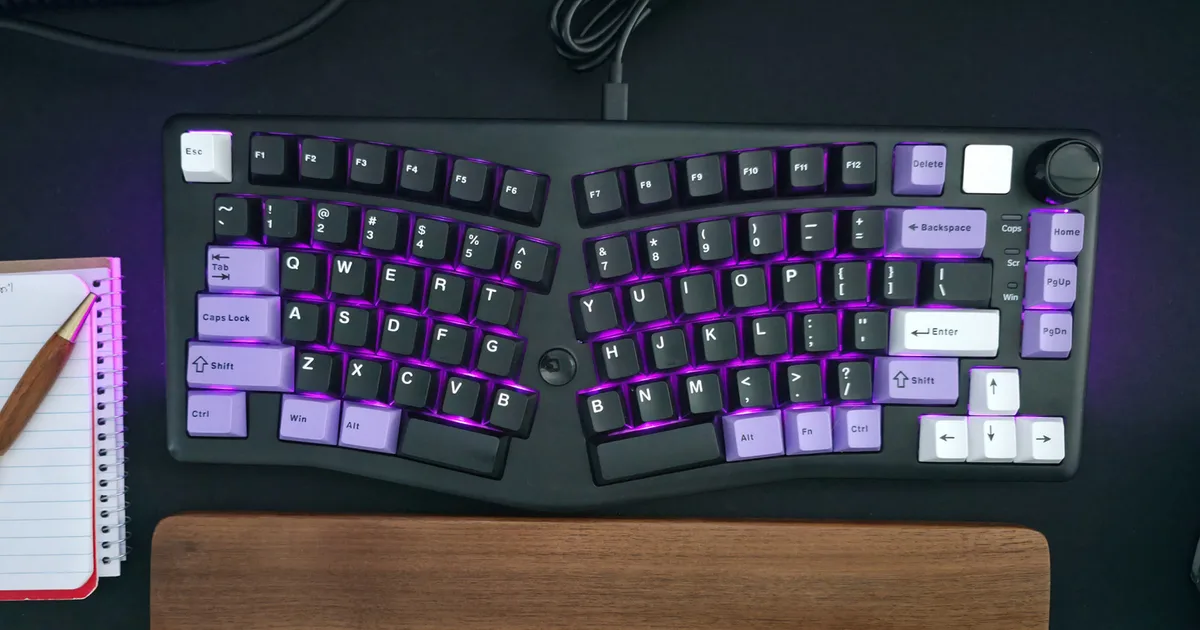
Use low-speed USB ports for keyboards and mice to save bandwidth

How we ranked this

Signal score
0 / 100
Composite score across the factors below. Higher = stronger signal that this story matters right now.
Newsworthiness bucket
Tool
Article provides practical advice on using computer peripherals.
Source corroboration
Single-source cluster
Only one publisher covered this so far. Single-source stories can still rank when the publisher is high-authority, but they lack cross-source corroboration.
Topics
product, infra
Editorial topic classification. Feeds into how the story surfaces on /topic/<slug> hub pages and into the per-entity coverage mix.
AI-industry relevance
Low
Off-topic or adjacent — cluster remains reachable but doesn't surface in AI-industry rankings.
Story freshness
54 days old
Aged out of breaking-news scoring windows; ranking reflects the durable signal from the full source set.

Full methodology in our editorial standards.

COVERAGE [1]

  1. Engadget TIER_1 English(EN) · [email protected] (Max Miller) ·

    Which USB port should you use for your mouse and keyboard?

    Save your best ports for your most demanding devices.