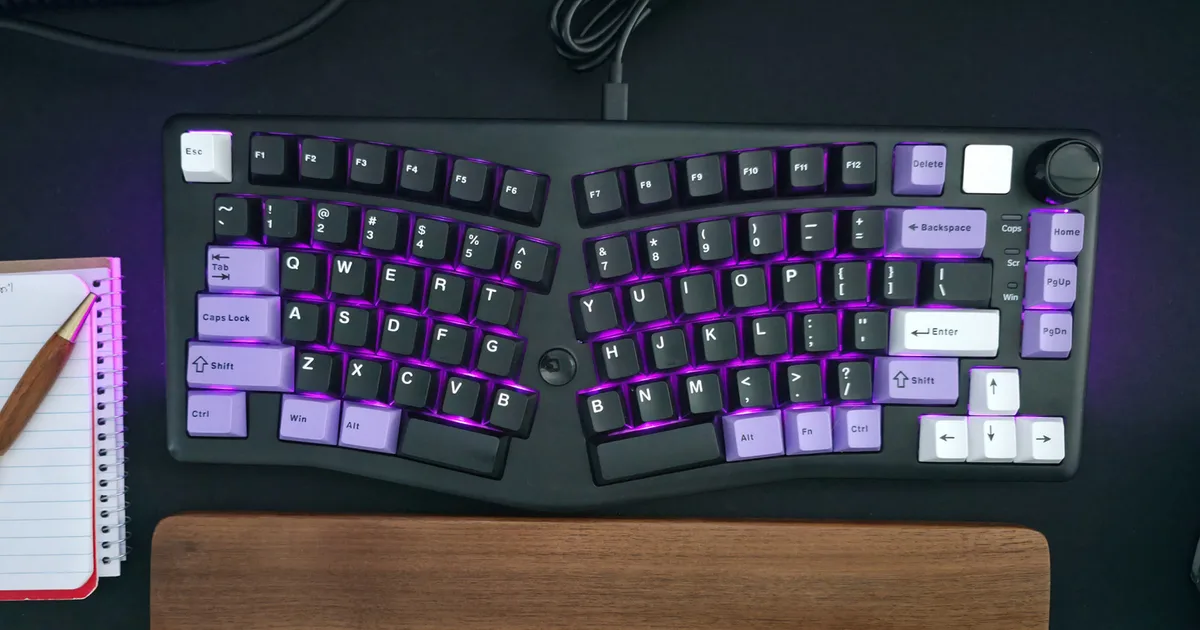
When connecting a computer keyboard and mouse, it is generally best to use the lowest-speed USB ports available, such as USB 2.0. These input devices require minimal bandwidth, freeing up higher-speed USB 3.x and USB4 ports for more demanding devices like Solid State Drives and external monitors. However, if a USB hub or the keyboard itself has integrated high-speed ports, it may be necessary to use a faster port on the computer to support those connected devices. AI
RANK_REASON Article provides practical advice on using computer peripherals.
- computer keyboard
- Solid State Drives
- USB
- USB 2.0
- USB 2 Standard-A receptacle
- USB 3.2 Gen 2x2
- USB 3.x
- USB4
AI-generated summary · Google Gemini · from 1 sources. How we write summaries →