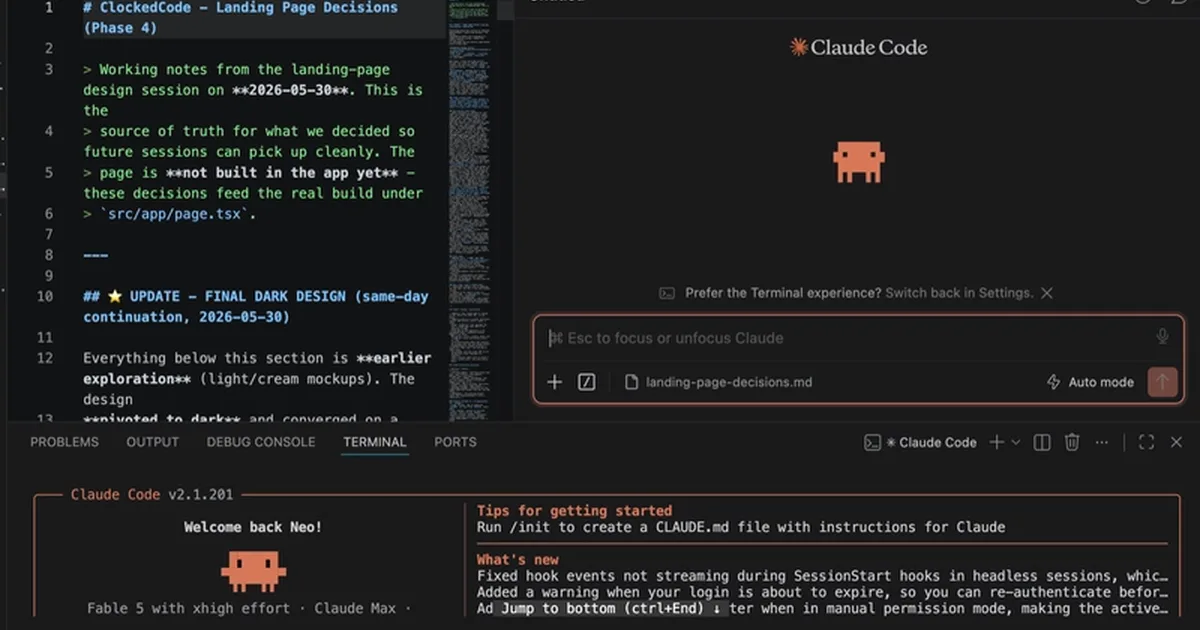
Developers can now integrate Anthropic's Claude Code directly into their Visual Studio Code environment through an official extension and a command-line interface (CLI). The setup requires VS Code version 1.98.0 or later and a paid Claude account, such as Claude Pro or Max, or Console credits, as there is no free tier for Claude Code. The guide details installing the extension from the VS Code Marketplace, signing in via browser authentication, and optionally setting up the CLI for additional commands and integrated terminal functionality. AI
IMPACT Streamlines AI-assisted coding workflows for developers using VS Code.
RANK_REASON Product integration and setup guide for an existing AI tool within a development environment.
Read on dev.to — Claude Code tag →
AI-generated summary · Google Gemini · from 2 sources. How we write summaries →