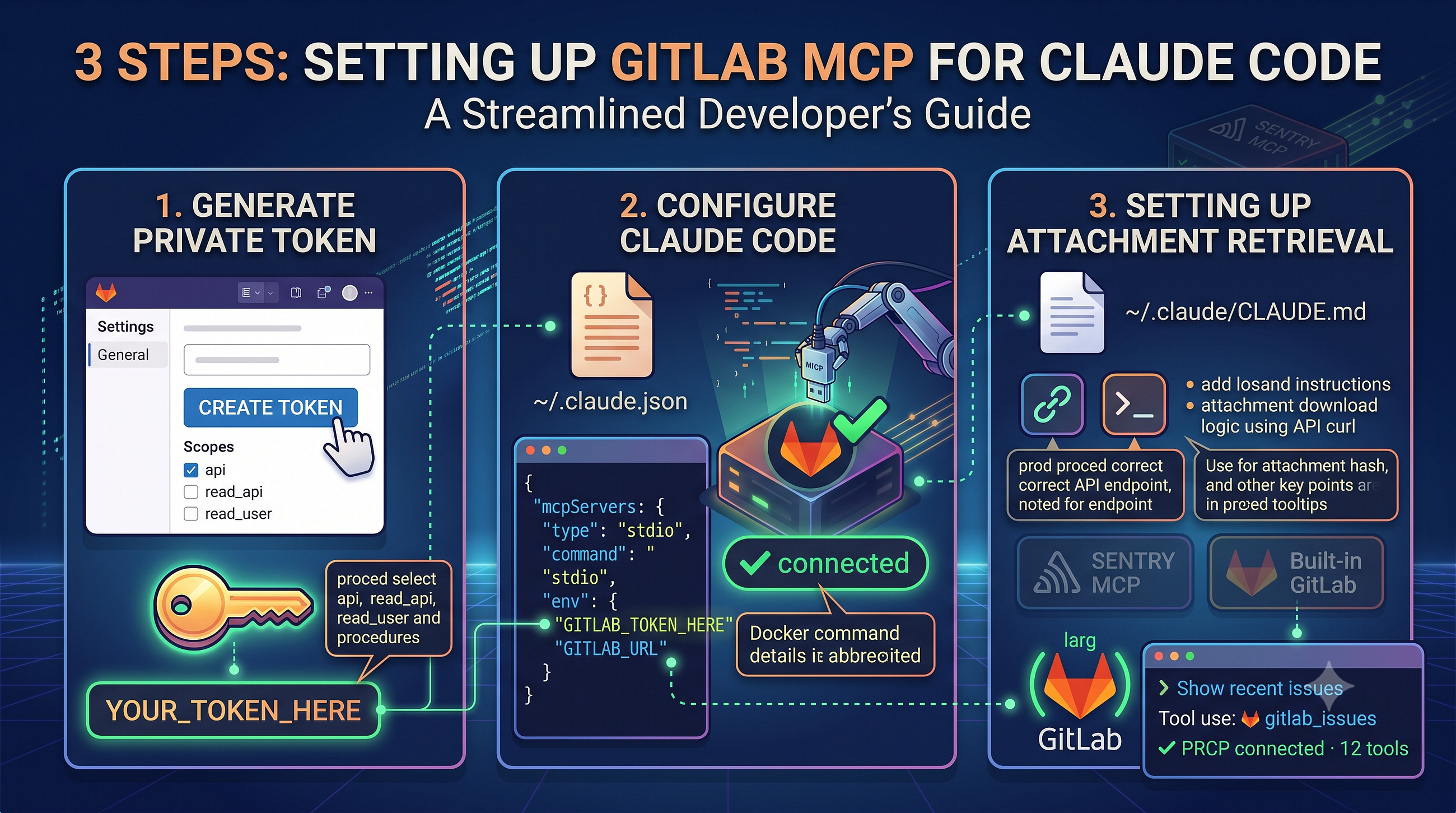
This guide details how to set up GitLab's MCP (Multi-Cloud Platform) for Claude Code, a tool that assists with coding tasks. The process involves three main steps: first, generating a GitLab Personal Access Token with specific scopes (api, read_api, read_user) and an expiry date. Second, configuring Claude Code by adding a 'gitlab' entry to the '~/.claude.json' file, specifying the server type as 'stdio'. The guide assumes the user has Claude Code and Docker already installed and running. AI
IMPACT Enables developers to integrate AI coding assistance tools into their existing GitLab workflows.
RANK_REASON Guide on integrating a specific tool (Claude Code) with a platform (GitLab).
AI-generated summary · Google Gemini · from 1 sources. How we write summaries →